

Scheduling blocks mark open time for consultations on a firm calendar. They don't send invitations or notifications. They just show intake when to book.
Add a block
Open Calendar and, under Scheduling Blocks, select Add.
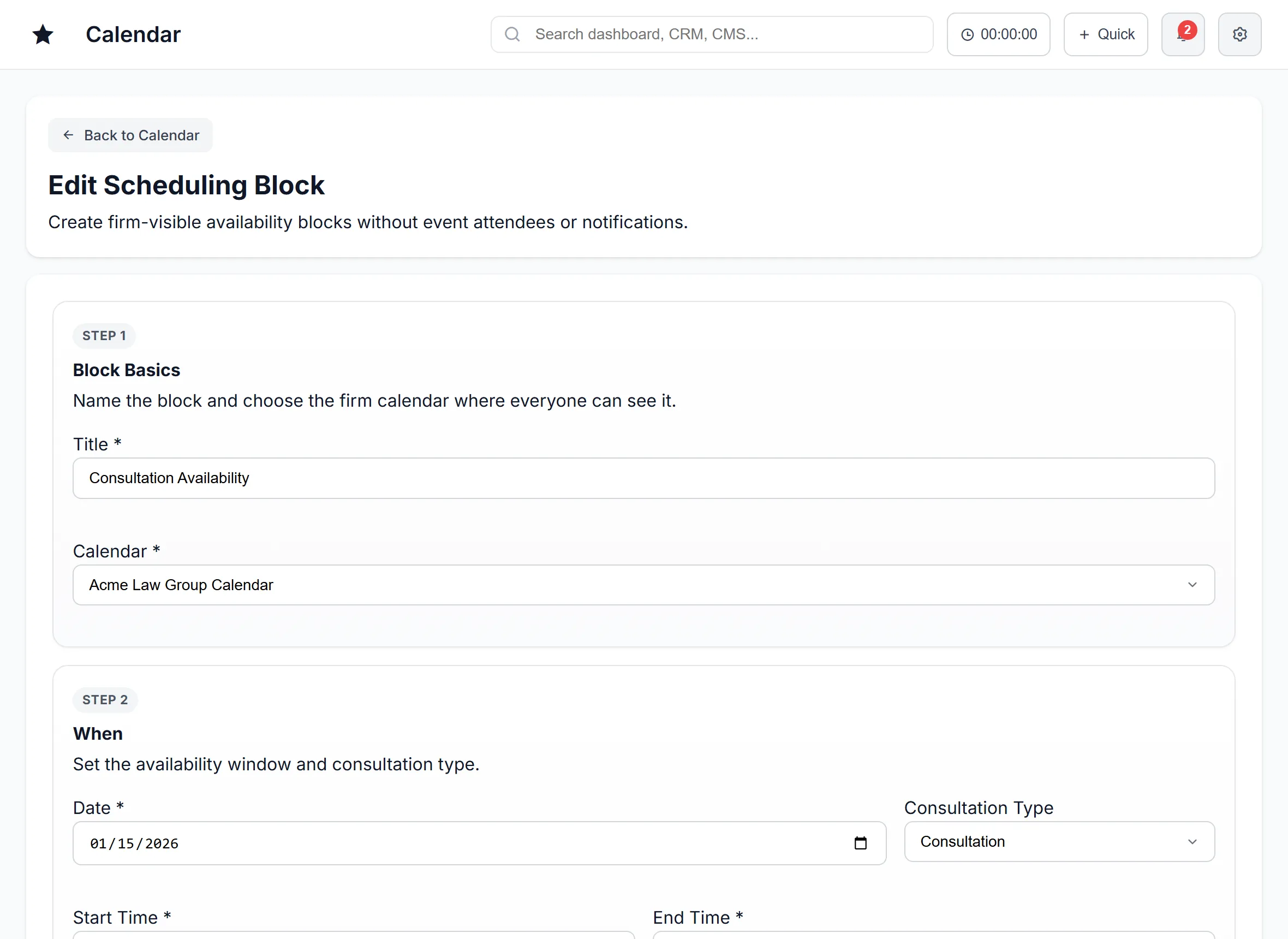
Block basics
Give it a Title (for example "Immigration consults") and choose the firm Calendar where everyone can see it.
When
Set the Date, Start Time and End Time, and the Consultation Type this time is for. Add Notes if intake needs to know anything.
Repeat and assign
Choose a repeat pattern, such as Weekly, or Monthly on weekday of month for "every second Tuesday". Under Assigned User, pick the attorney. Assigned blocks also appear on that person's personal calendar.
When you later edit or delete a repeating block, you choose this block, future blocks or the entire series.
Block consultation time weeks ahead. Intake books faster when the calendar already shows where consultations can go.
Last reviewed 2026-11-25