

Open Filing Fees
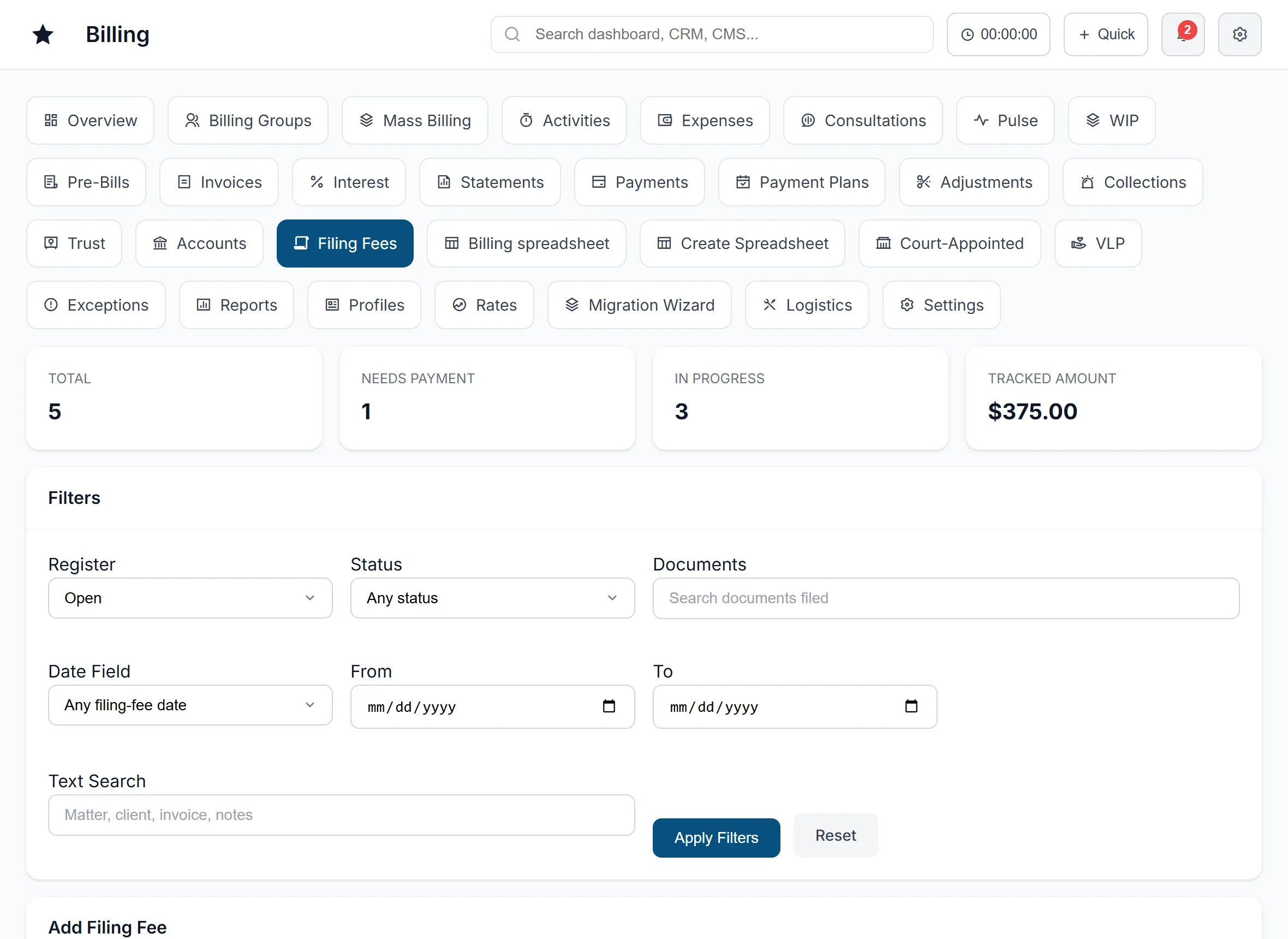
Go to CMS → Billing → Filing Fees. The counters show Total, Needs Payment, In Progress and Tracked Amount.
Add a filing fee
Under Add Filing Fee, choose the Matter, optionally link the Invoice / Trust Request that collects the money, and enter the Amount, Documents Filed, Date Filed, Date Client Paid, Date Pulled and Notes. Select Save Filing Fee.
Keep the status current
Each fee has a status that follows it from start to finish:
- Need Payment
- Client Paid-Not filed yet
- Money transferred, needing receipt notices
- Mailed - waiting to clear card
- Done and payment processed
Use Edit on the register to update it as things happen.
Filter what needs action
Filter by status, the documents filed, a date field (filed, client paid, pulled or created) and a date range, or search by matter, client, invoice or notes. Archive fees that are done to keep the register short.
Filter Need Payment and Client Paid-Not filed yet every morning. Those are the fees that can hold up a filing.
Last reviewed 2026-11-25