

Start the request
On the matter's Billing card, select Create Trust Request. The card shows the current Trust Balance and the Replenishment amount the matter is set to keep.
Fill in the details
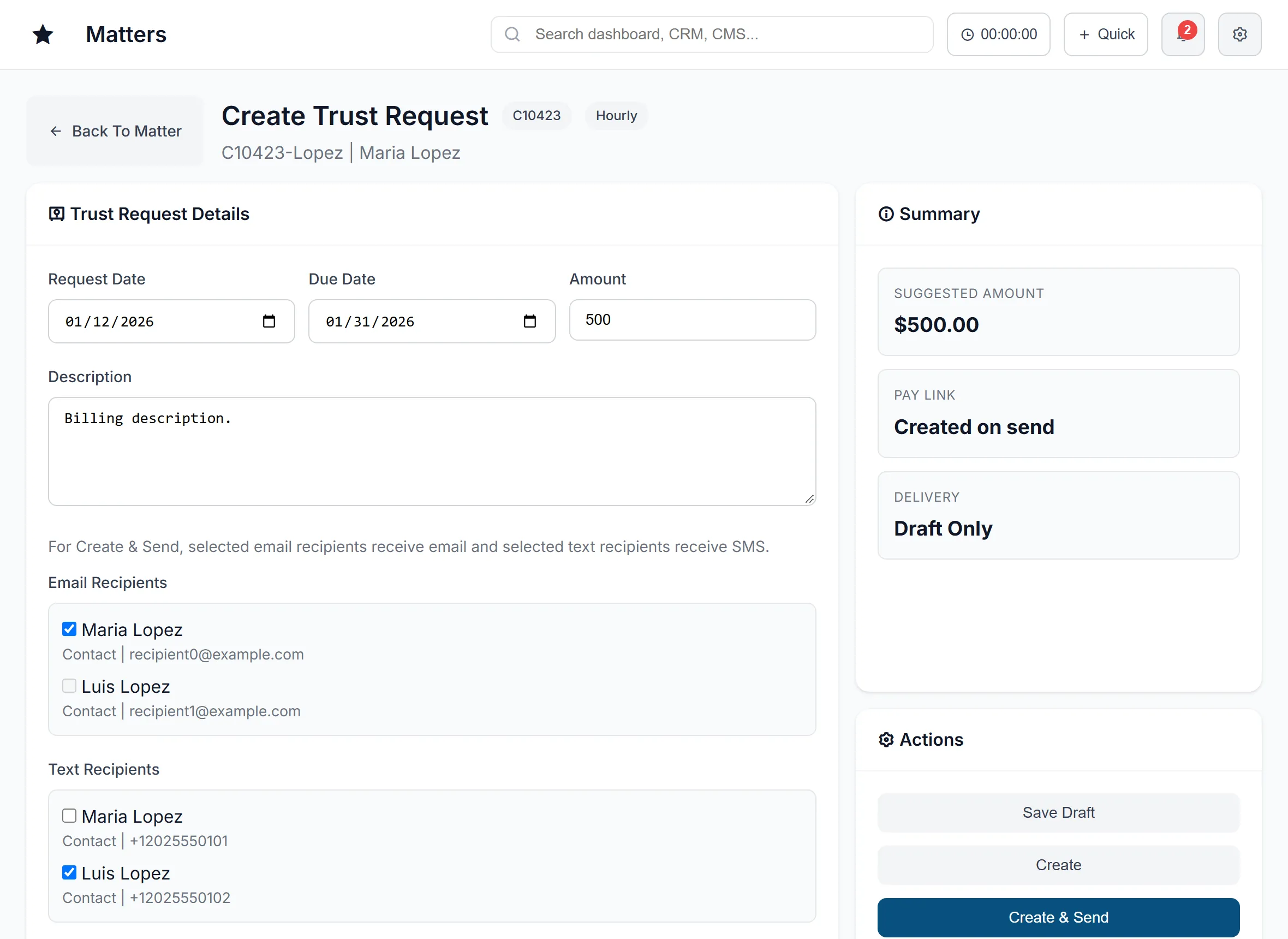
Under Trust Request Details, enter the Request Date, Due Date, Amount and a Description, for example "Retainer replenishment" or "USCIS filing fee". The Summary suggests an amount based on the replenishment setting.
Choose recipients and templates
Tick Email Recipients and Text Recipients from the client and related contacts on file. Choose the Email Template and SMS Template, and edit the subject and text if needed.
Create or send
- Save Draft keeps it for later.
- Create makes the request without sending it.
- Create & Send makes it, creates the Pay link and delivers it to the selected recipients.
Trust requests use a secure Pay link with the amount and reference locked, so the client can't change what they pay, and the money goes to the trust account, not operating.
Watch it in the trust ledger
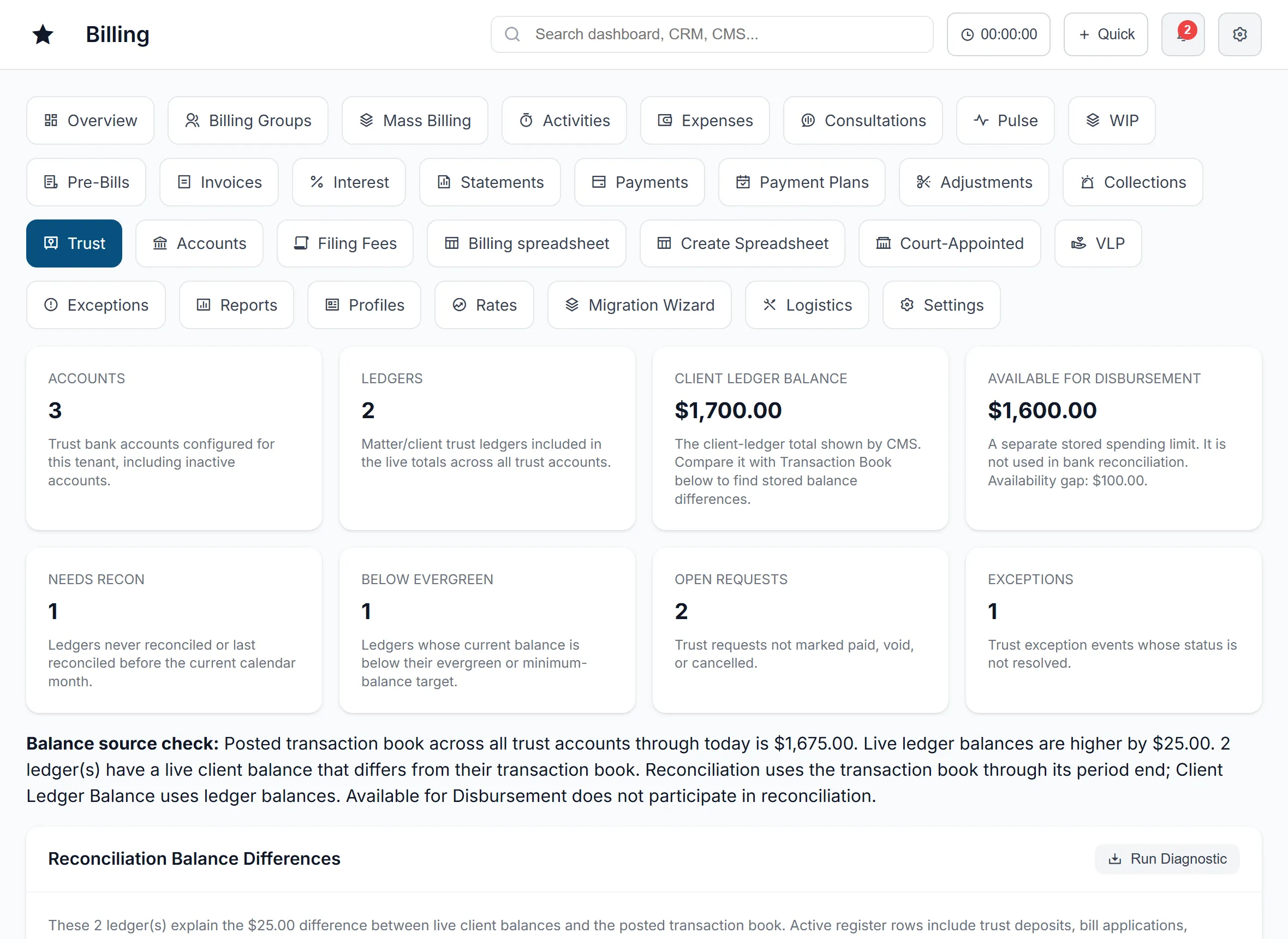
When the client pays, the deposit posts to the matter's trust balance. Billing → Trust shows trust accounts, ledger balances, items pending reconciliation and any exceptions.
Frequently asked questions
Can I take a trust payment over the phone?
Record it from the trust request as a manual payment, with the method and reference, so it posts to the ledger correctly.
Who reconciles trust?
Your firm's bookkeeper or billing lead, in Billing → Trust and trust reconciliation. Trust handling is tightly permissioned.
Last reviewed 2026-11-25