

Start a custom report
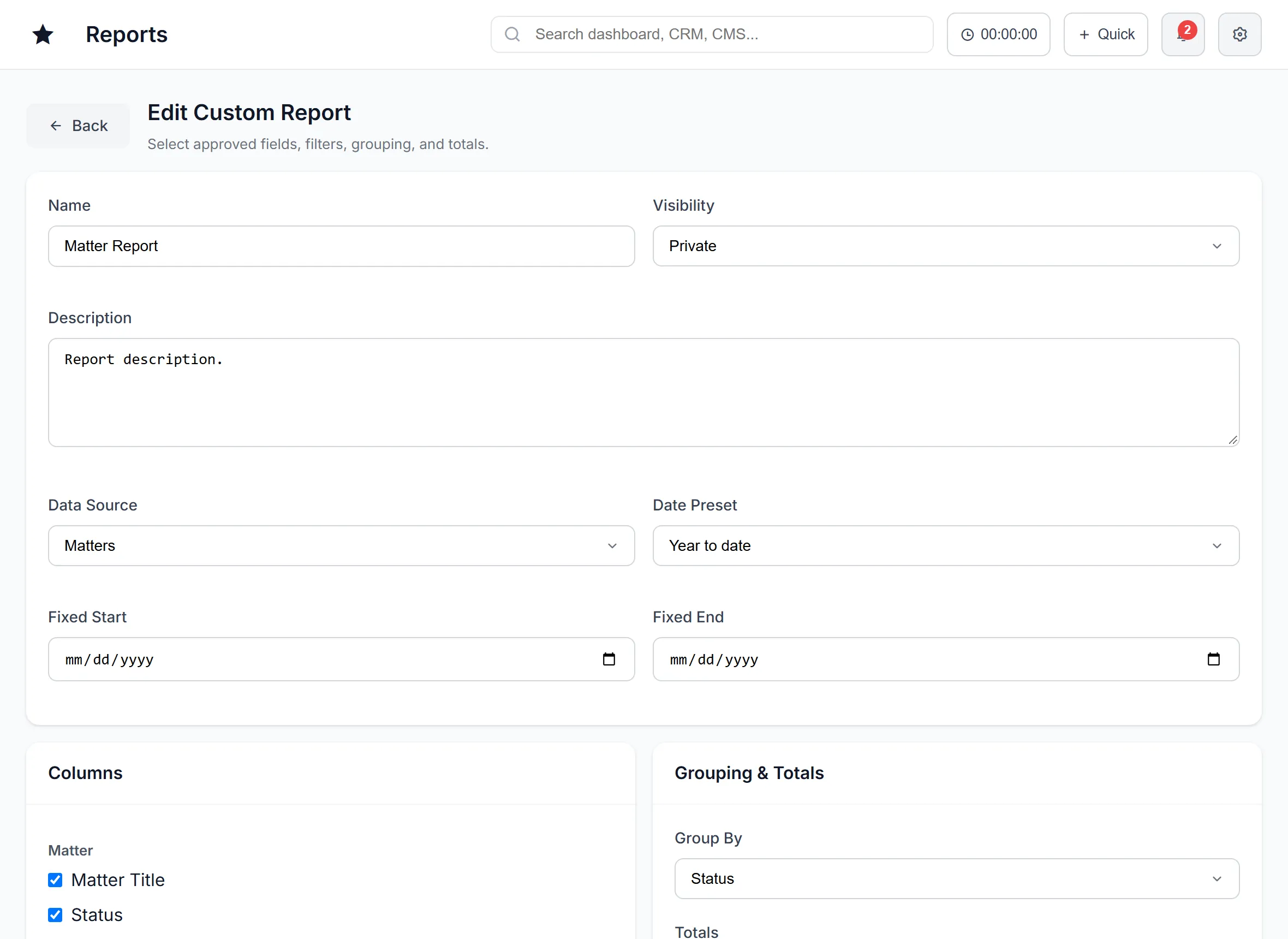
Open Reports and select Custom Reports, then create a new report. Give it a Name and Description.
Choose who can see it
Set Visibility to Private (only you) or Firm users with report access.
Choose the data and dates
Pick the Data Source, such as matters or contacts. Then choose a Date Preset (Year to date, Month to date, Last month) or Fixed dates with a start and end.
Pick columns
Tick the columns you want. They're grouped as Matter, Client & Contact, Billing & Money, Dates & Times, Record IDs and your firm's Custom Fields.
Group, total and filter
Under Grouping & Totals, group rows (for example by attorney) and add totals. Under Filters, narrow the rows with Contains, Equals, At least, At most or Is not empty.
Preview and save
Select Save & Preview to see the first rows, adjust, then Save Report. To get it by email on a schedule, see Run Nexus reports and email them on a schedule.
Start small: a few columns and one filter. You can always add more once the numbers look right.
Last reviewed 2026-11-25