

You need admin rights, and usually an admin account at Microsoft, Zoom or LawPay as well. Each provider's setup page in LegalsOne gives the exact redirect and webhook URLs to paste into that provider.
Firm-wide connections are set up once by an admin. Personal connections, such as each person's calendar, are then made by each user under My Integrations. Until the firm connection exists, users see Needs Admin Setup.
Microsoft 365 calendars
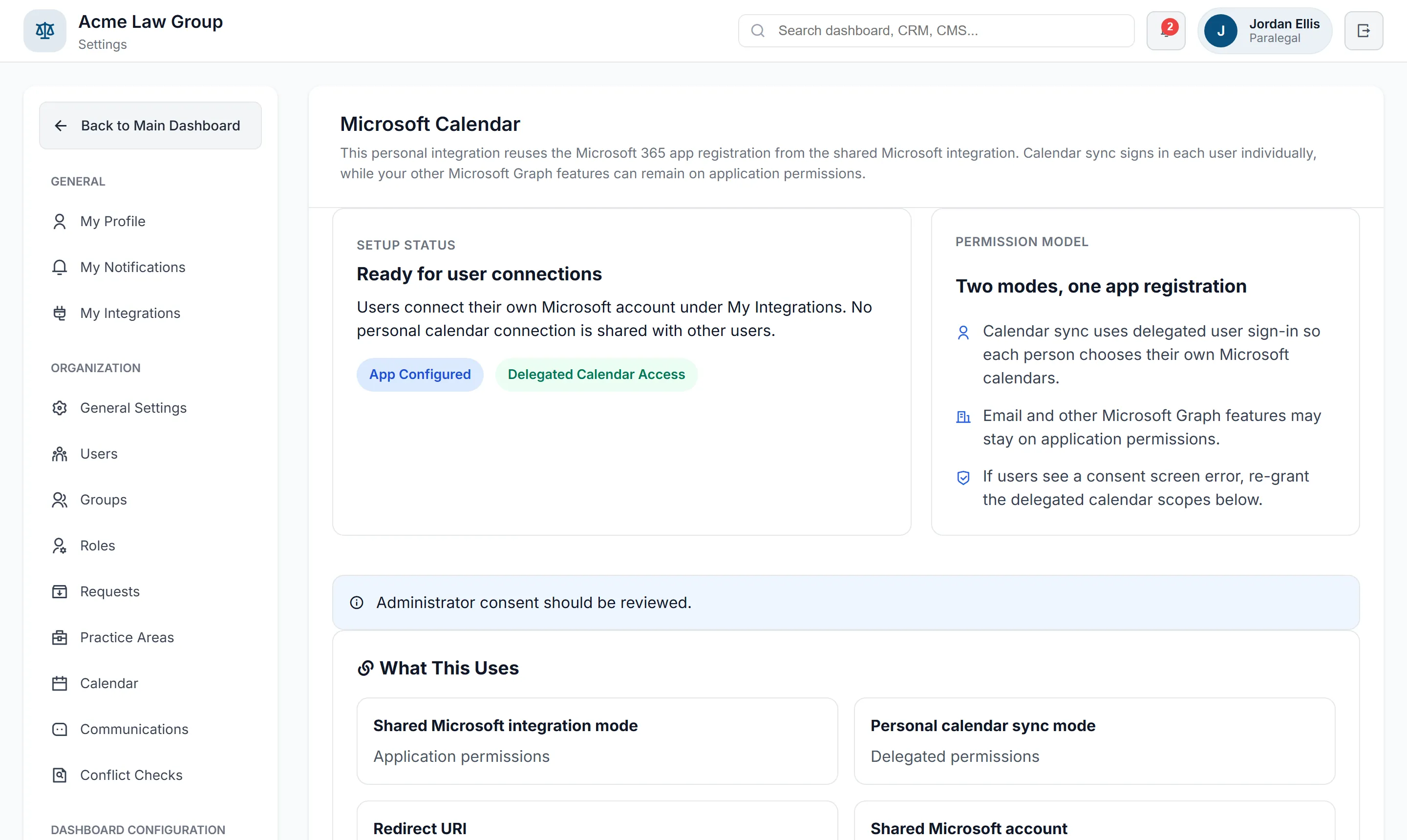
Open the Microsoft Calendar settings. Calendar sync reuses your firm's Microsoft 365 app registration, with delegated access: each person signs in with their own Microsoft account and picks their own calendars. Nothing is shared between users.
When Setup Status reads Ready for user connections, tell staff to connect from Settings → My Integrations.
Zoom Phone
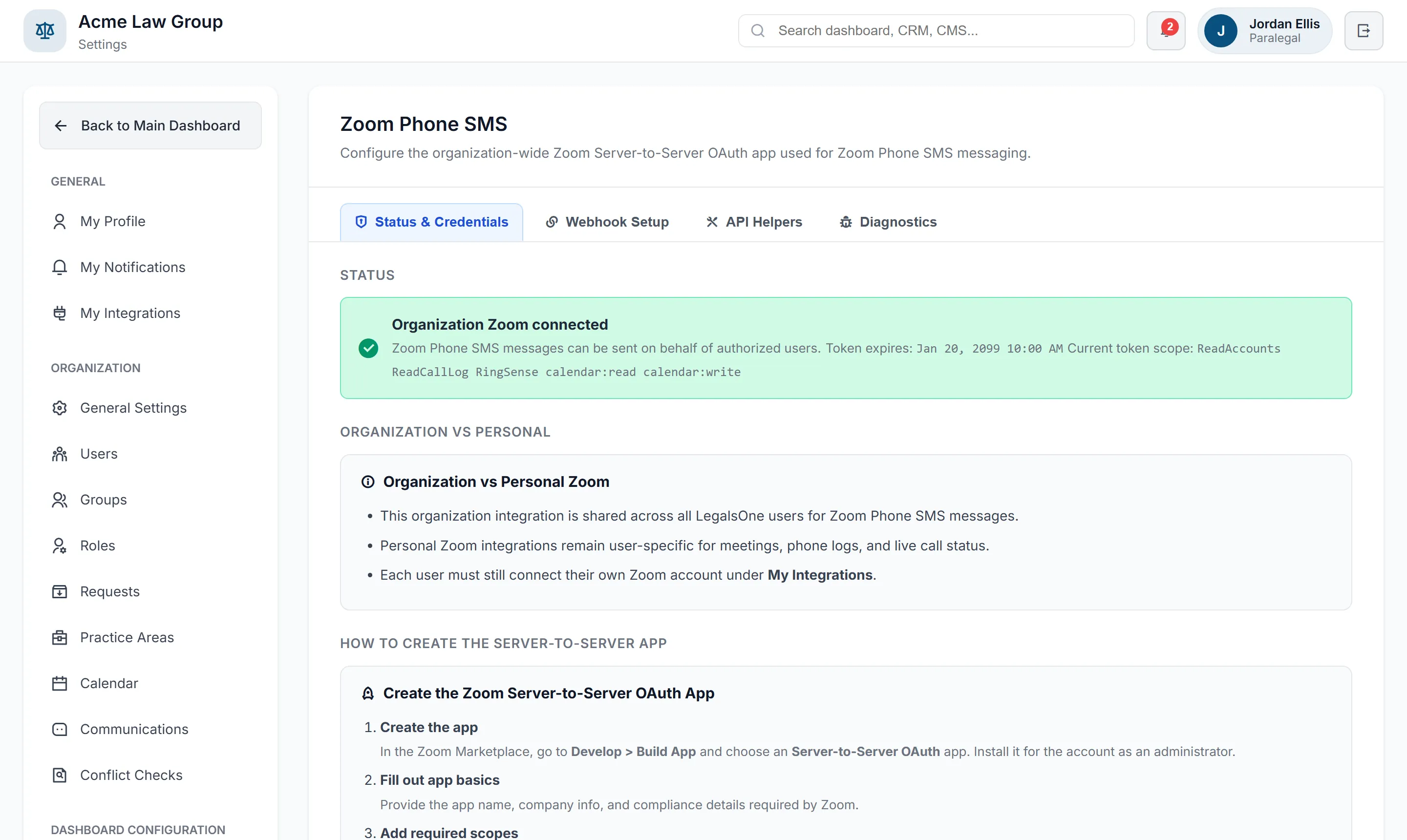
Open the Zoom organization settings. The organization connection is a Zoom server-to-server app shared by the whole firm, used for Zoom Phone SMS and call records. The tabs cover Status & Credentials, Webhook Setup, API Helpers and Diagnostics. Status shows when the token expires and which permissions it has.
Each person still connects their own Zoom under My Integrations for meetings, phone logs and live call status.
LawPay
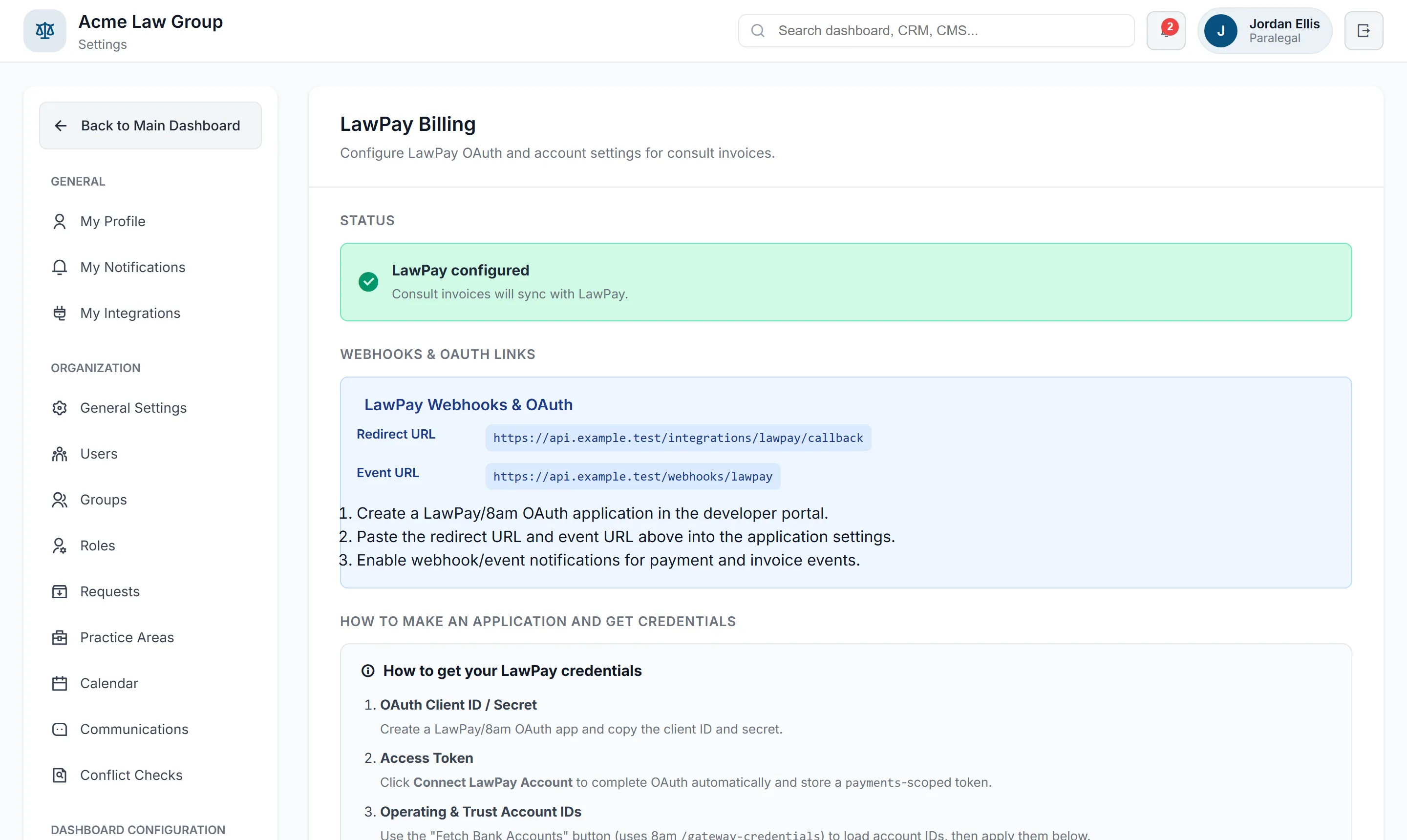
Open LawPay Billing. Create a LawPay OAuth application in LawPay's developer portal, paste in the Redirect URL and Event URL shown on the page, turn on payment and invoice event notifications, then enter the OAuth Client ID / Secret. When the status reads LawPay configured, invoices sync with LawPay and payment links can take card payments.
Test and tell staff
Use each page's test or diagnostics tools, then send staff Choose your notifications and connect your calendar.
Never paste client IDs, secrets or tokens into email or chat. Enter them only on the provider's setup page in LegalsOne.
Last reviewed 2026-11-25