

Open Calendar Settings
Open Settings and choose Calendar under Organization. These settings apply to scheduling in both CRM and CMS.
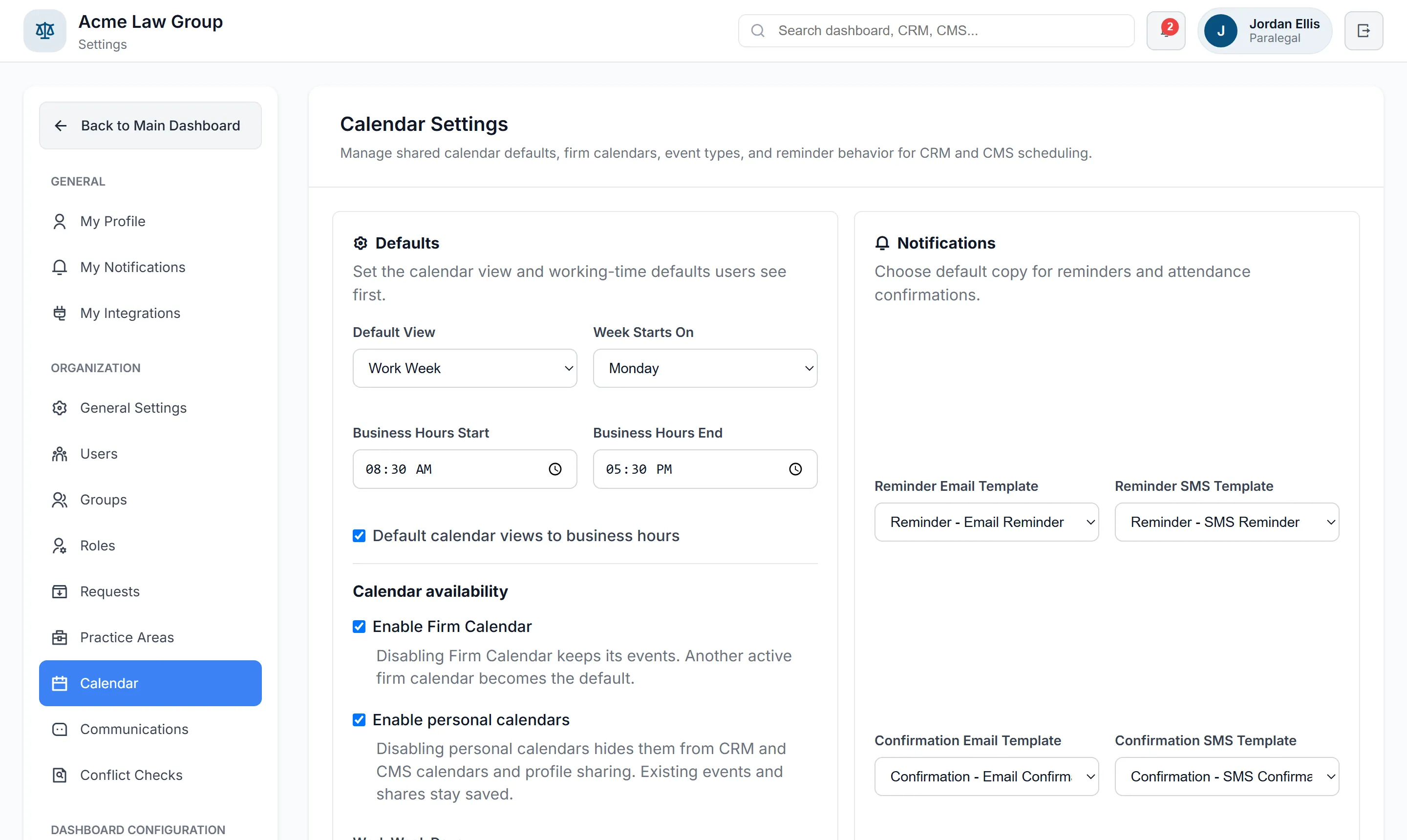
Defaults
Set the Default View (Agenda, Day, Week, Work Week or Month), Week Starts On, and Business Hours Start and End. Tick Default calendar views to business hours to hide the middle of the night.
Calendar availability
- Enable Firm Calendar: the shared calendar everyone sees. Turning it off keeps its events, and another active firm calendar becomes the default.
- Enable personal calendars: each person's own calendar.
Firm calendars and event types
Add firm calendars (for example "Court" or "Consultations") and event types with colors, such as Consultation and Court Hearing. Event types drive the calendar filters and which events count as consultations in reports.
Reminders
Set the default reminders for events, such as email to staff and texts to clients before a consultation, and save.
Keep event types few and clear. "Consultation", "Court hearing", "Client meeting", "Deadline" and "Internal" cover most firms.
Last reviewed 2026-11-25