

Open Conflict Checks settings
Open Settings and choose Conflict Checks under Organization. These settings cover checks on CRM and CMS contacts.
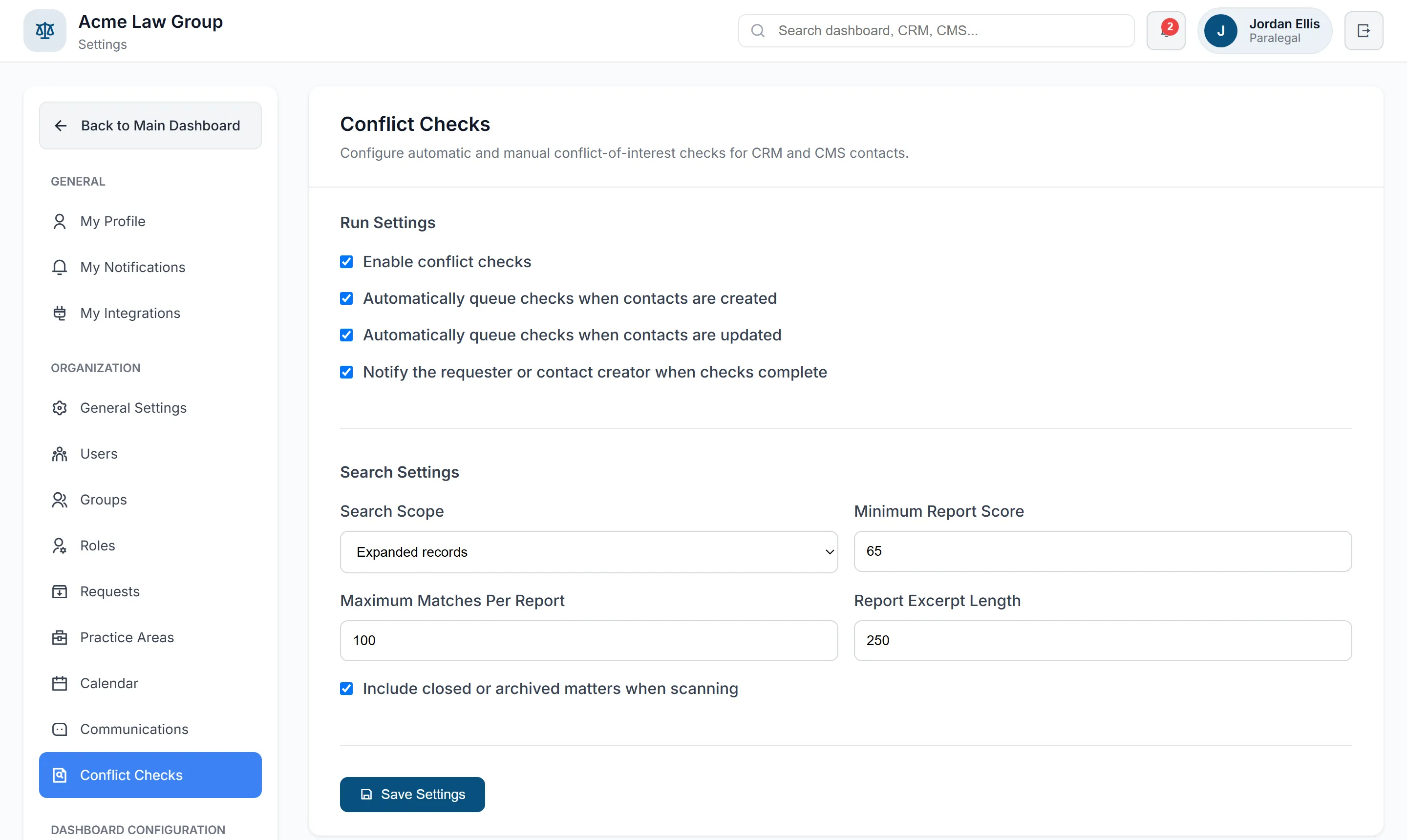
Run settings
- Enable conflict checks
- Automatically queue checks when contacts are created
- Automatically queue checks when contacts are updated
- Notify the requester or contact creator when checks complete
Search settings
- Search Scope: Expanded records (also notes, activity and related parties) or Contacts and matters only
- Minimum Report Score: how close a match must be to appear
- Maximum Matches Per Report
- Report Excerpt Length: how much surrounding text each match shows
- Include closed or archived matters when scanning
Select Save Settings.
Keep closed matters in the scan. Former clients are a common source of real conflicts.
Last reviewed 2026-11-25