

Open the matter's lead expenses
Open the prospect's CRM matter and go to Lead Expenses. The page shows the matter and the Total spent on this lead so far.
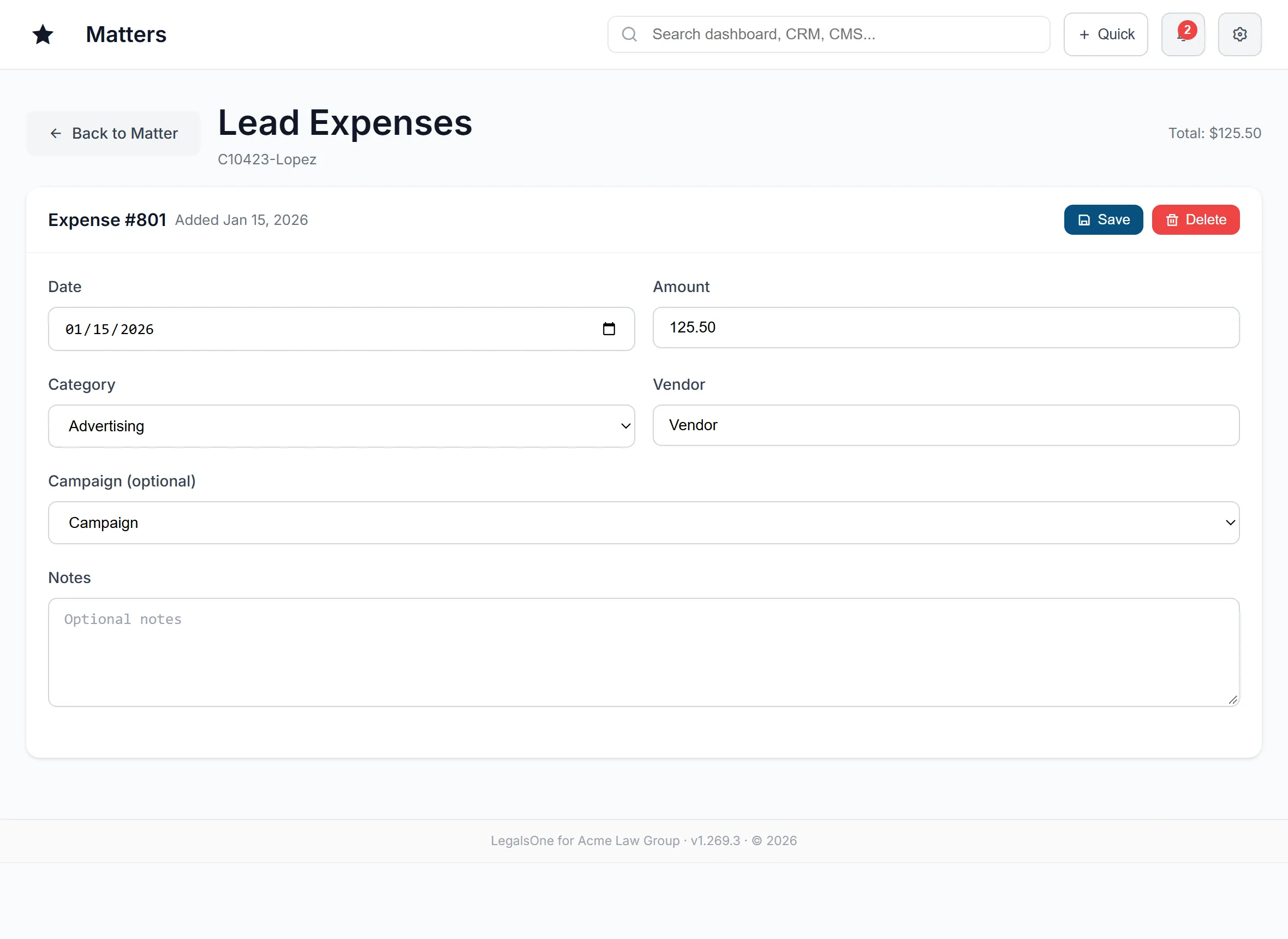
Add an expense
Add an expense from the matter, then fill in:
- Date and Amount
- Category: Advertising, Travel or Other
- Vendor: who you paid, for example a lead-generation service
- Campaign (optional): link it so it counts toward that campaign's cost per lead
- Notes
Select Save.
Fix or remove an expense
Edit any field and Save, or Delete an expense entered by mistake.
See the results
Lead expenses feed CRM → Reports → Lead expenses and the marketing reports, so you can compare what each source costs against the matters it produces.
Paid-ad spend from connected ad accounts is imported automatically into Marketing. Use lead expenses for per-lead costs that aren't imported, such as a paid referral service.
Last reviewed 2026-11-25