

Generate a translation
Open the questionnaire in DMS → Questionnaires, choose the language and select Generate Translation. A draft translation is created for the current revision.
Review every line
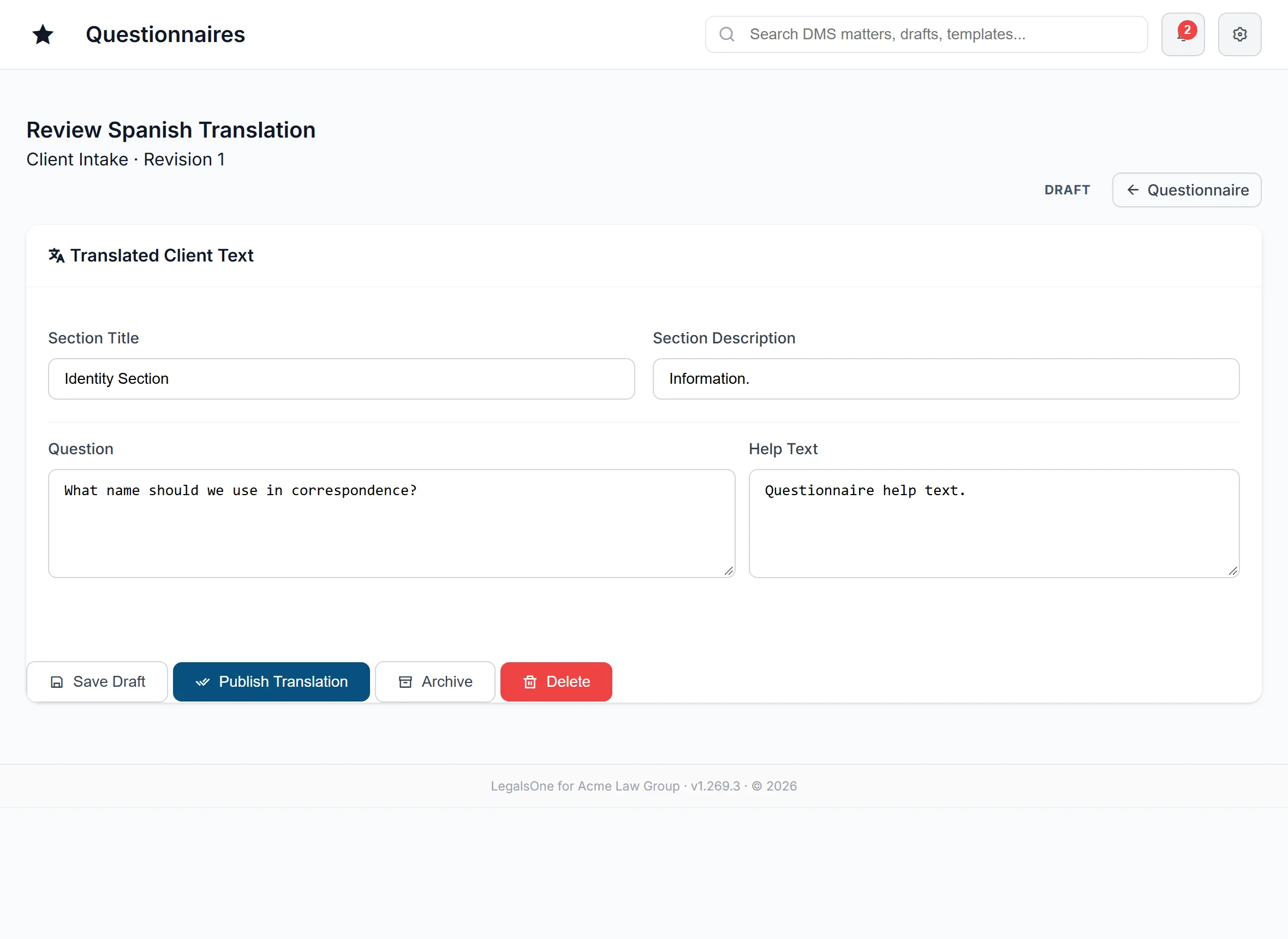
Review Spanish Translation (or your language) lists the Translated Client Text: each section title and description, every question, and its help text. Read each one and correct anything that sounds unnatural or changes the legal meaning.
Machine translation is a starting point. Have a fluent speaker review immigration and legal terms before publishing.
Save or publish
Save Draft keeps your progress. Publish Translation makes it available to clients. Archive retires an old translation and Restore Translation brings one back.
Send it in the client's language
When you send the questionnaire, choose the Client Language. The client sees your translated text, and their answers come back alongside the English questions for staff.
Last reviewed 2026-11-25