

Your law firm may send you questionnaires to collect the information they need for your case. You don't need an account. Everything happens through one secure link.
Open your forms link
Open the link your firm sent you by email or text. The same link works for every questionnaire they send you, so save it.
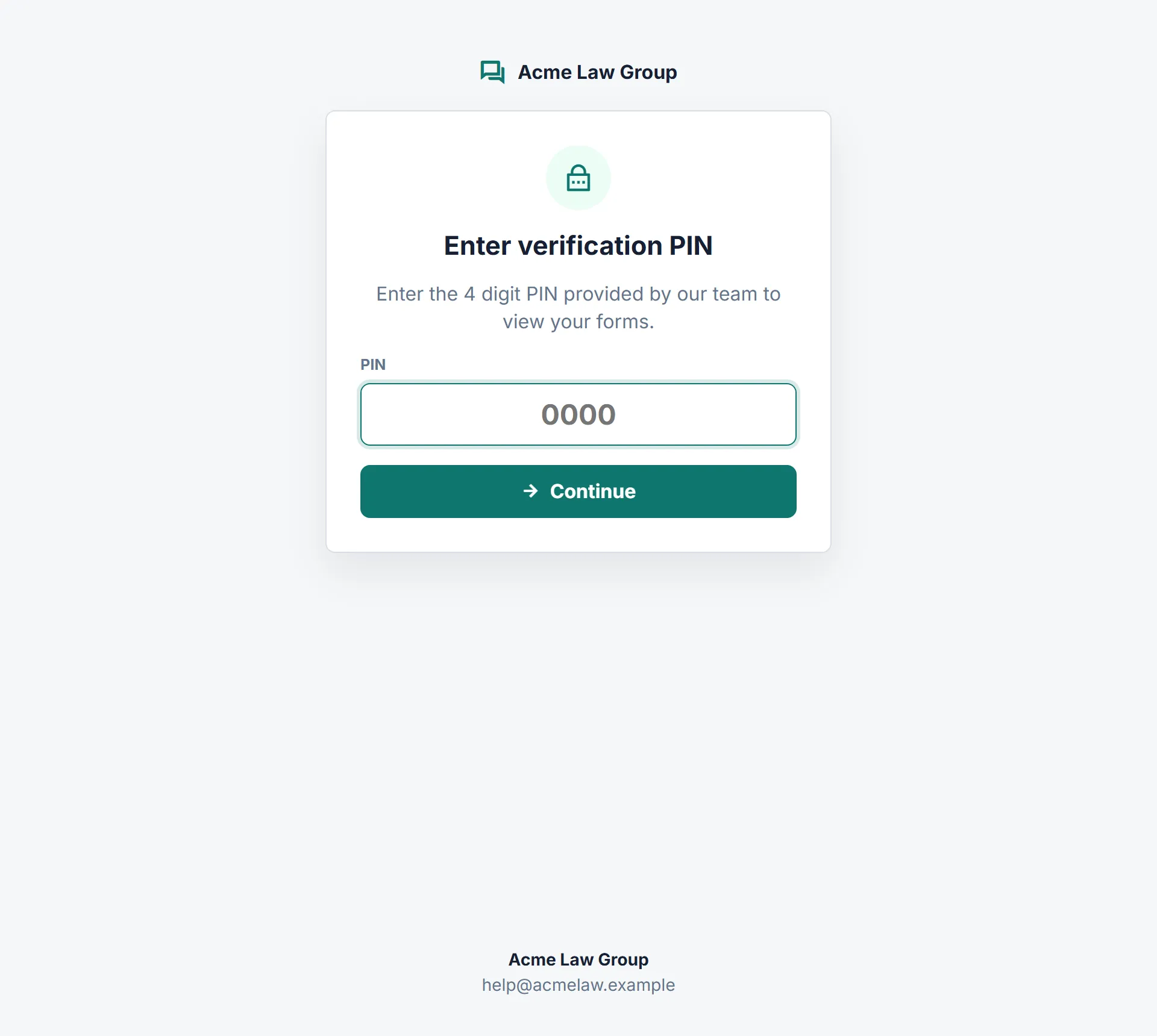
Enter your PIN
If you are asked to Enter verification PIN, type the 4-digit PIN your legal team gave you and select Continue. Your team usually sends the PIN separately from the link, by phone or text, to keep your information safe.
Pick a form
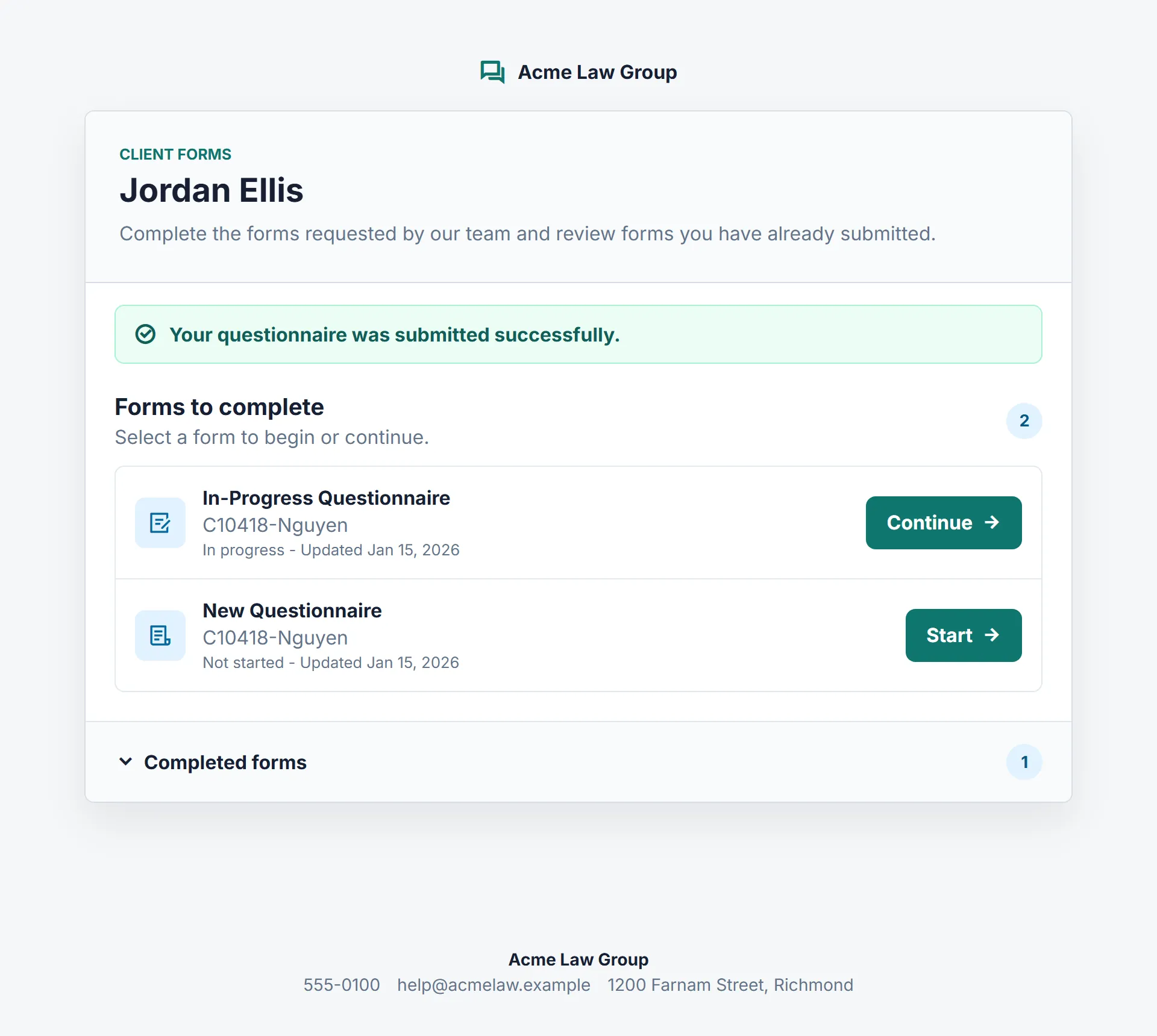
Client Forms lists everything your team has asked you to fill out:
- Forms to complete: select Start for a new form, or Continue to pick up where you left off.
- Completed forms: forms you have already submitted. Select View to see your answers.
Answer the questions
Work through each section. Required questions are marked. Your answers are saved as you go, so you can stop and come back later with the same link.
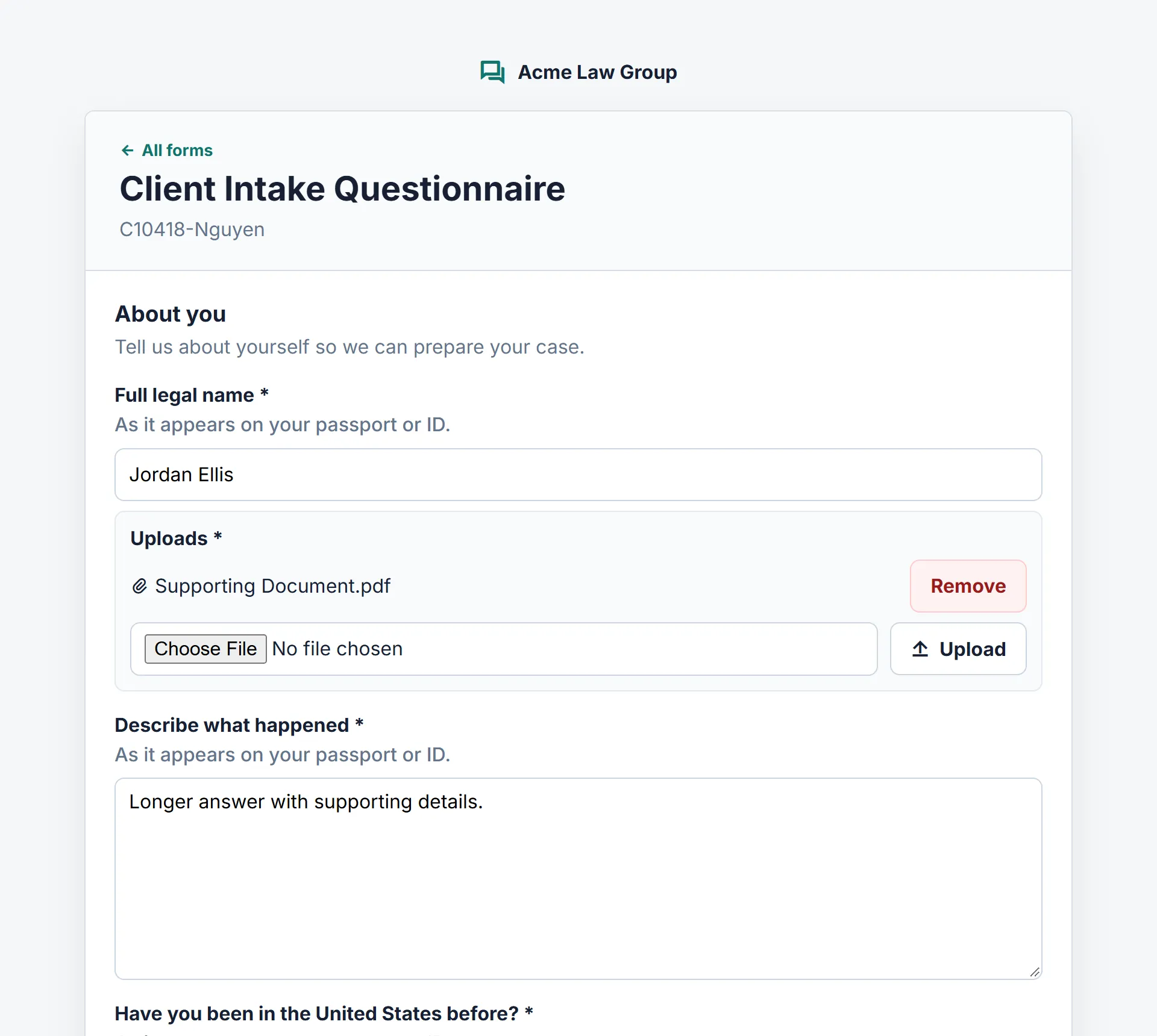
Have your ID, passport and any previous case documents nearby. Many questions ask for exact dates and numbers from them.
Upload documents (if asked)
Some questions ask you to upload a document. Choose the file from your phone or computer. You can remove a file and upload a different one before you submit.
Submit
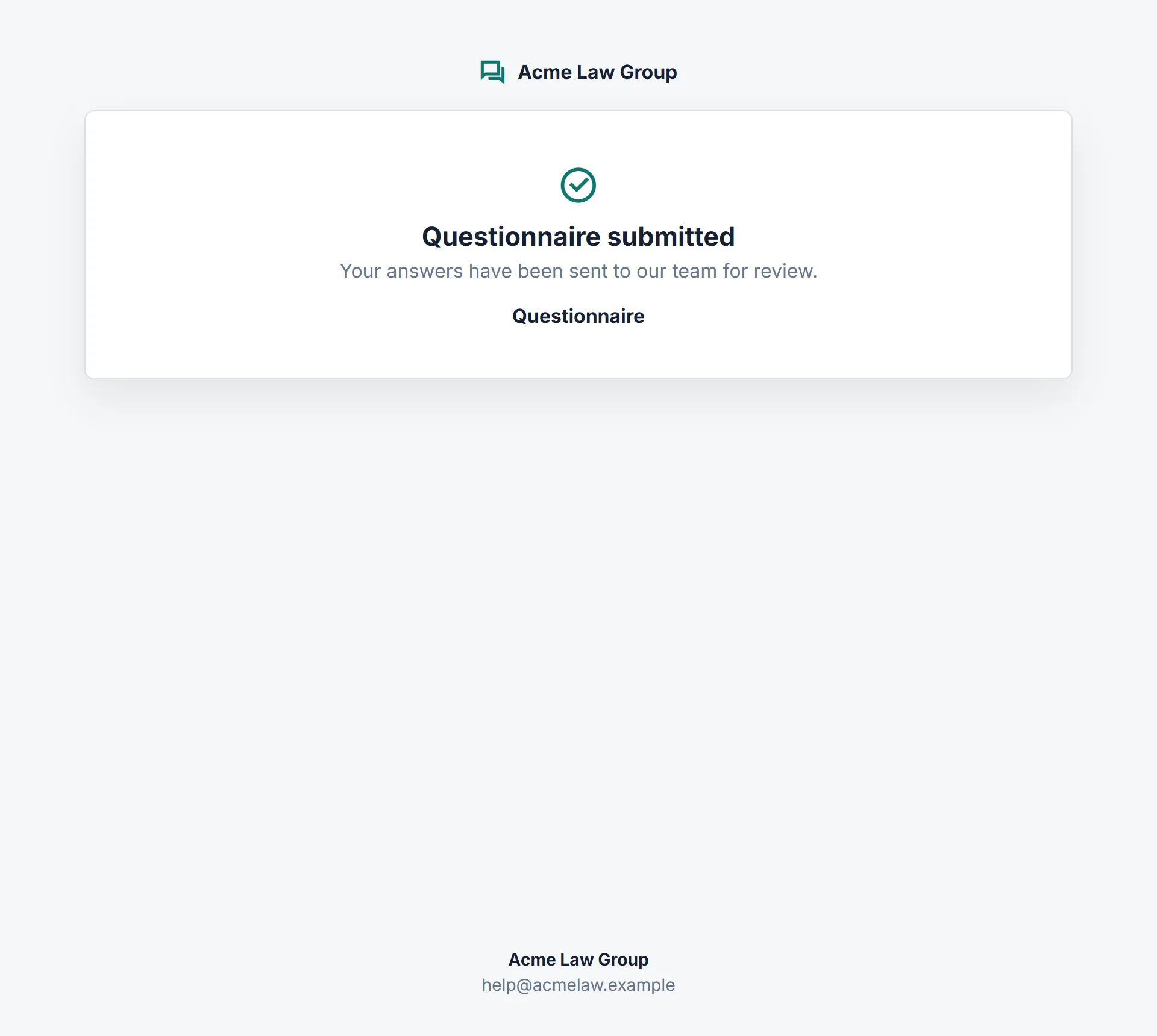
When everything is filled in, submit the form. You return to Client Forms with a message that it was submitted successfully. After that your answers are read-only, so contact your legal team if something needs changing.
Frequently asked questions
I lost my PIN.
Contact your legal team. They can send you a new PIN.
I made a mistake after submitting.
Tell your legal team. They can correct it or reopen the form for you.
Can I add a family member who isn't listed?
On family questionnaires you can add a relative who is missing. Your legal team reviews and approves the addition.
Last reviewed 2026-11-25