

Know the difference
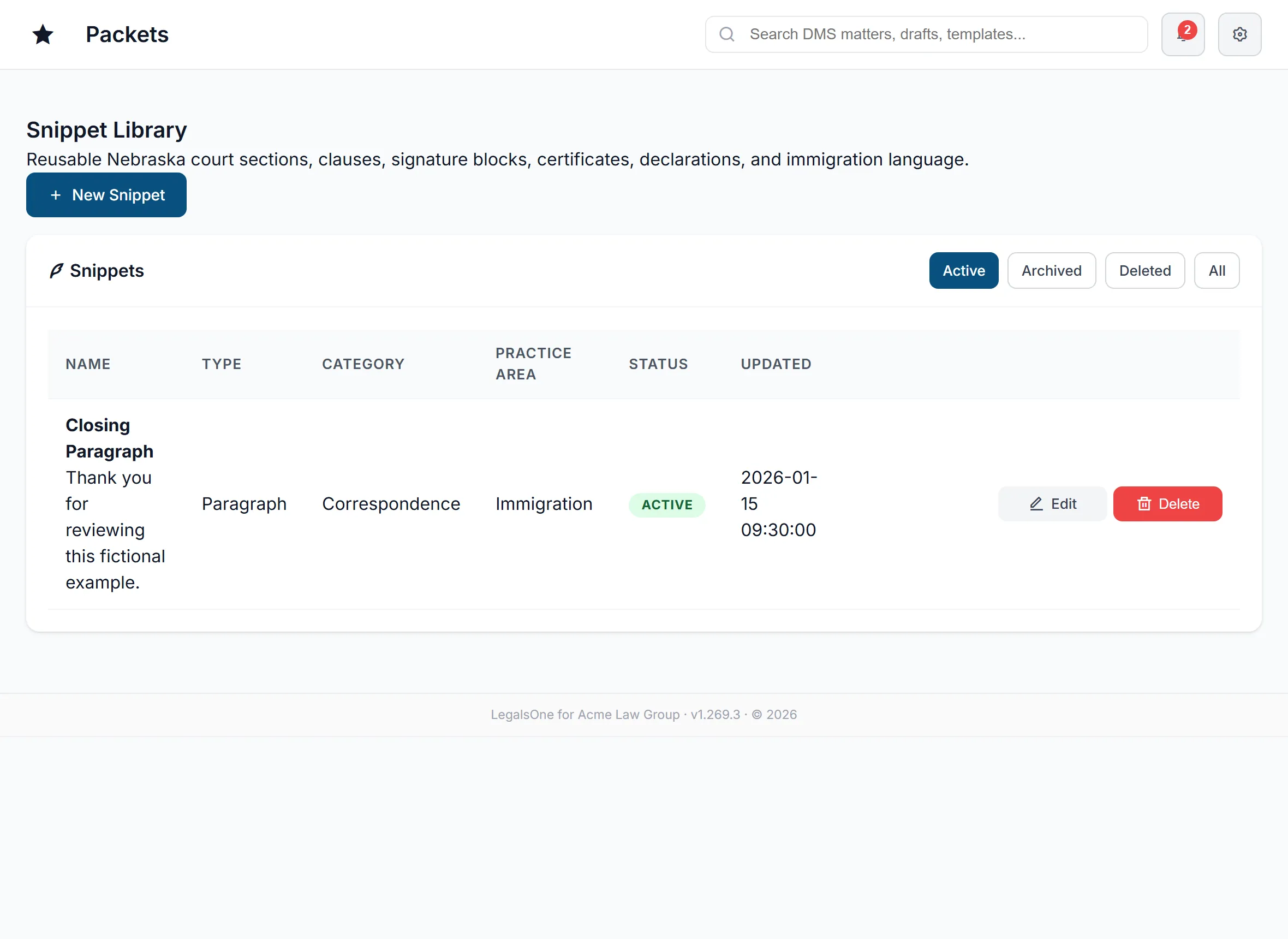
- A snippet is reusable text: a closing paragraph, a signature block, a certificate of service, a standard immigration statement.
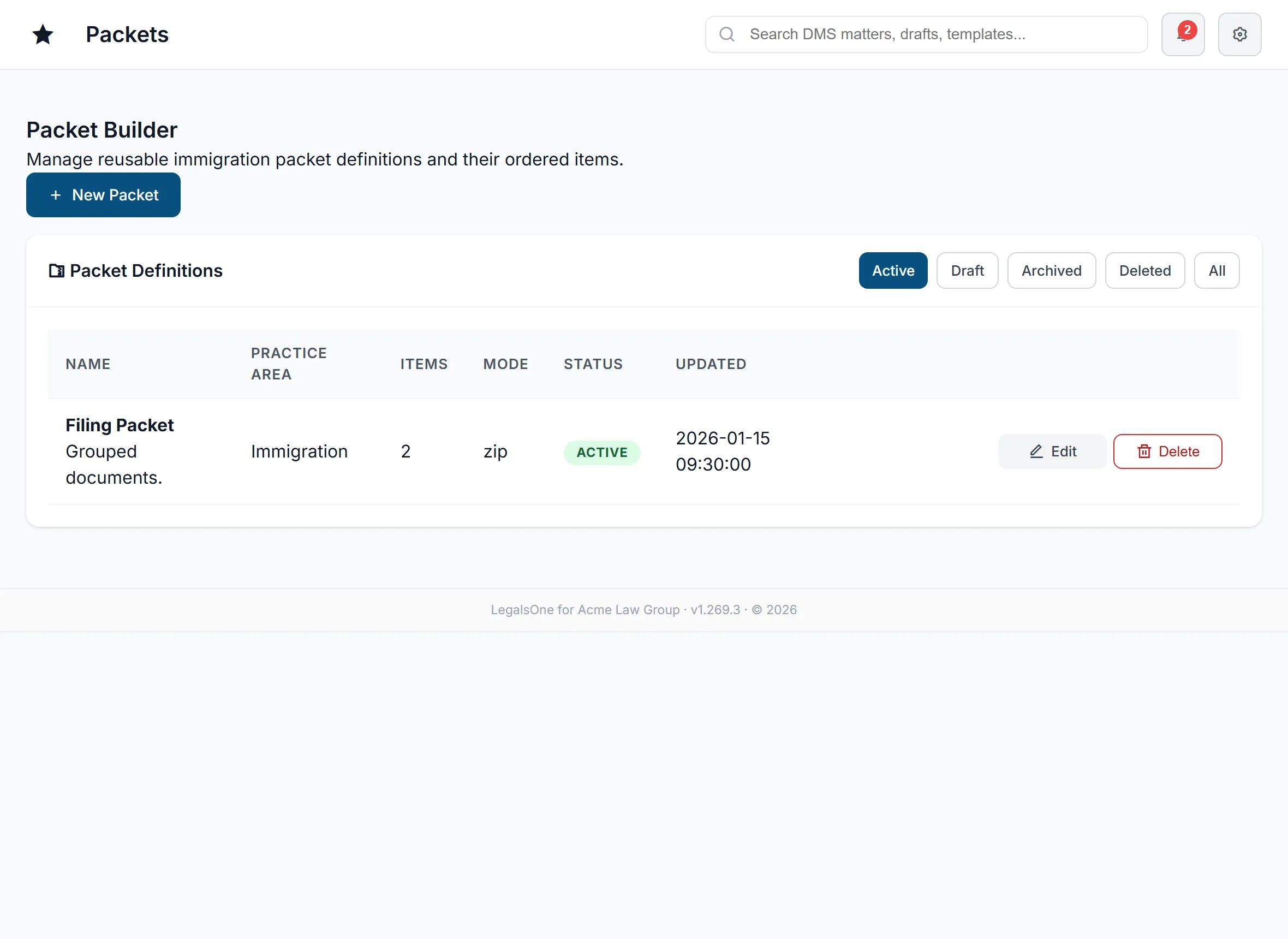
- A packet is an ordered set of documents produced together, such as a filing packet with a cover letter, forms and exhibits.
Create a snippet
Open the Snippet Library and select New Snippet. Give it a name, type (for example Paragraph), category and practice area, write the text and save. Snippets can be Active or Archived.
Build a packet
Open DMS → Packets (the Packet Builder) and select New Packet. Name it, choose the practice area, add the items in the order they should appear, and choose the output, for example one zip file. Save it as Draft until it's tested, then make it Active.
Keep them current
When a form edition or a standard clause changes, update the snippet or packet once and every new draft uses it. Archive old versions instead of deleting them.
Frequently asked questions
Who should maintain snippets?
One owner per practice area works best. Many editors lead to many slightly different versions.
Last reviewed 2026-11-25