

Open the matter's Matter Data
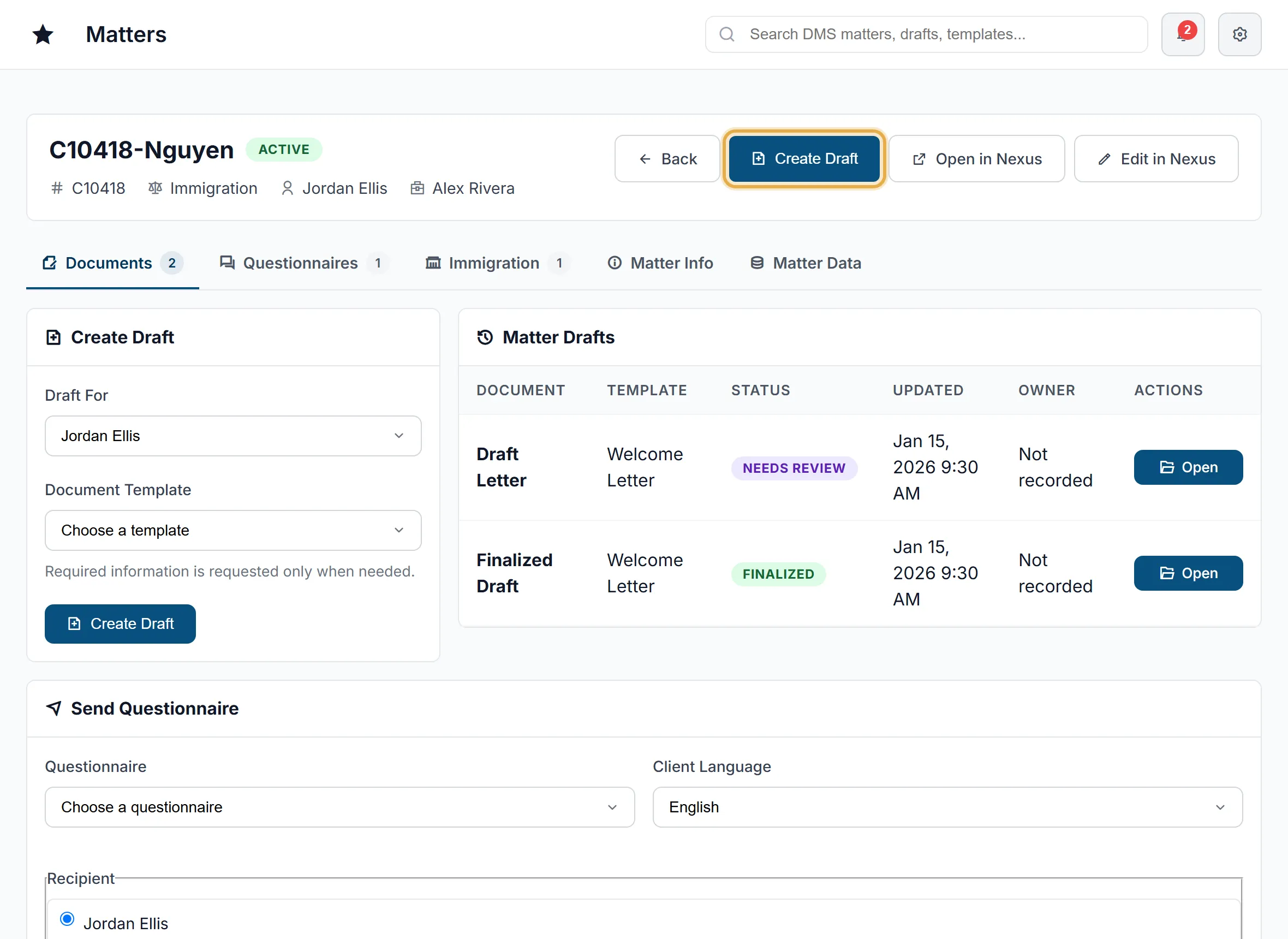
In DMS → Matters, open the matter and select the Matter Data tab. Matter Info shows the basics from Nexus. Matter Data holds the case fields templates use.
Work through it in order
Matter Data is arranged in the order you usually need it: general case fields first, then the people involved. For immigration matters it also includes person profiles: family members, relationships, address and travel history, identifiers and important dates.
Empty immigration sections are hidden on non-immigration matters. Anything already saved stays visible even if the practice area changes.
Fill it once, use it everywhere
Enter a value once and every template that uses that field fills it in. When a client's address changes, update it here, not in each document.
Let questionnaires fill it
Answers applied from a client questionnaire land in Matter Data automatically (guide). Check anything the client typed before relying on it.
Check before drafting
Before a big filing, open Matter Data and look for blanks. The draft's Missing Required count tells you what's still needed.
Frequently asked questions
I need a field that doesn't exist.
Admins add fields in DMS Configuration → Matter Data settings. Ask them, and use the exact field name in your templates.
Last reviewed 2026-11-25