

Open your payment link
Open the payment link in the email or text from your law firm. You don't need an account or password.
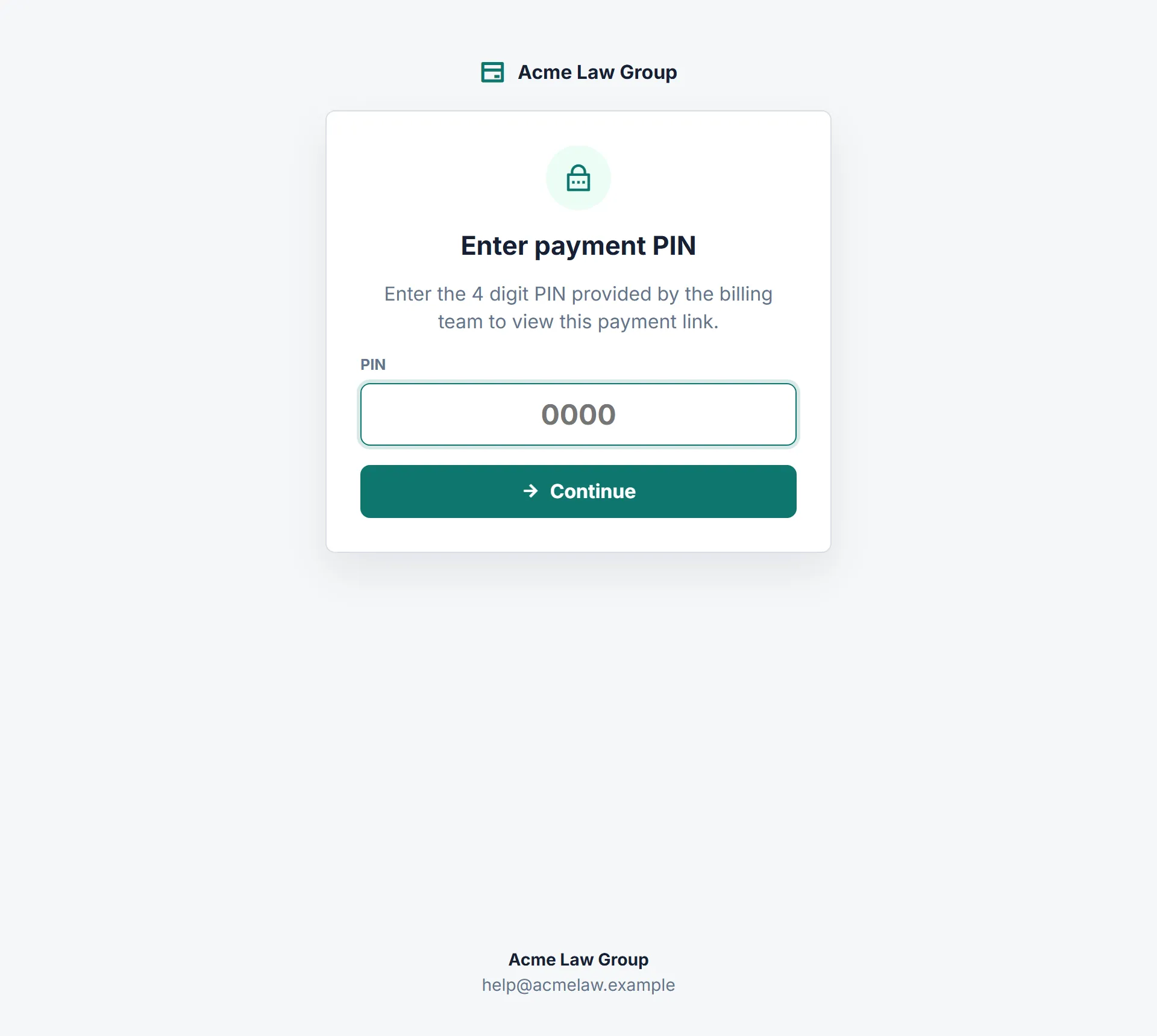
Enter your PIN (if asked)
If you see Enter payment PIN, type the 4-digit PIN your firm's billing team gave you and select Continue.
Review what you owe
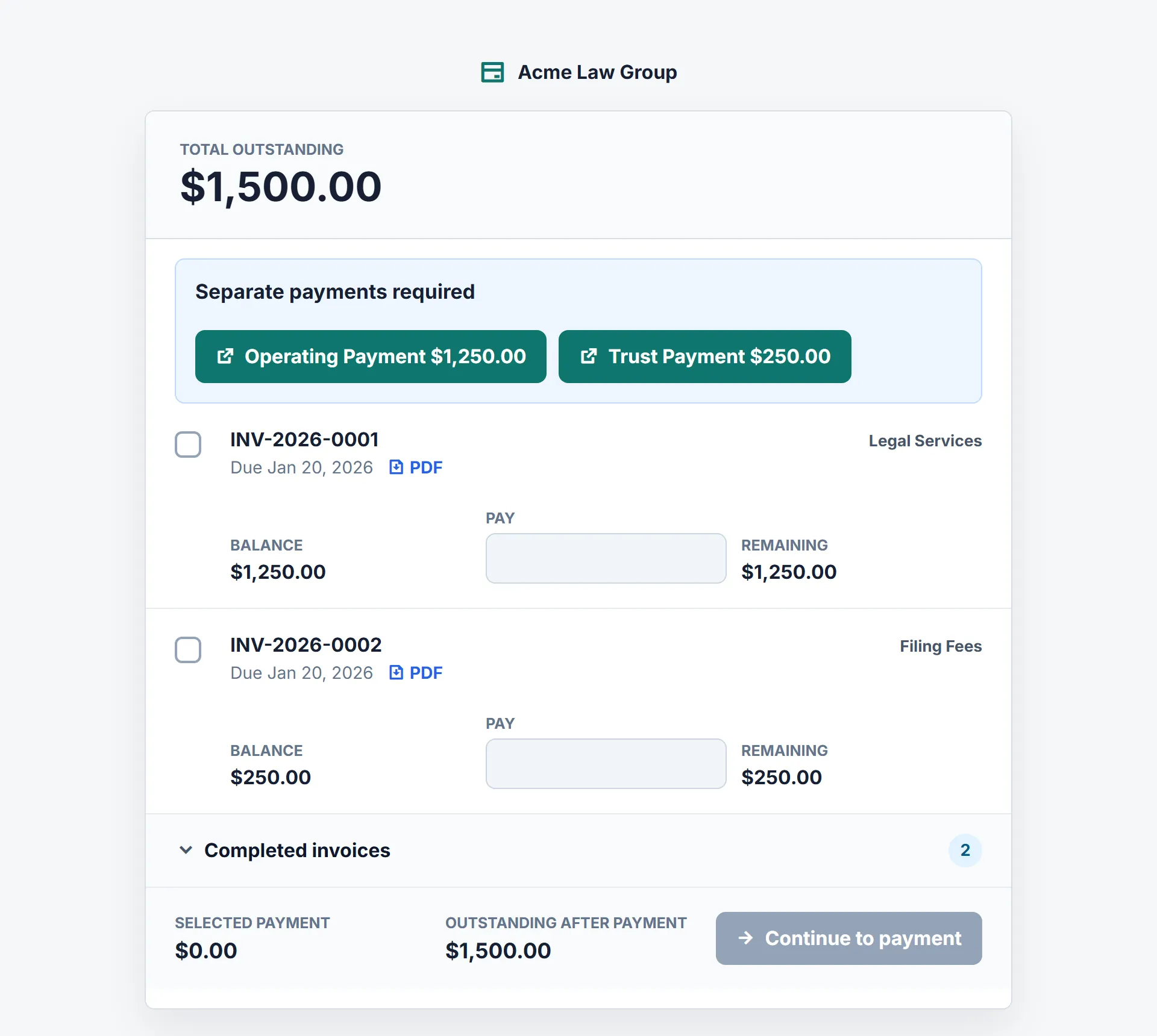
The page shows your Total outstanding and each open invoice, with its due date and Balance. Select PDF to download a copy of any invoice for your records.
Choose what to pay
Select the invoices you want to pay. You may be able to pay part of a balance. The page shows the Selected payment and what will be Outstanding after payment.
If you see Separate payments required, your firm keeps some money in a trust account, such as a retainer or filing fees, apart from payment for its services. That's normal and required by law. Pay each one separately, one after the other.
Continue to payment
Select Continue to payment. You go to your firm's secure payment page to enter your card or bank details. Your law firm never sees your full card number.
Keep your receipt
After paying you get a confirmation. Paid invoices move to Completed invoices on your payment link.
Frequently asked questions
The link says there are no outstanding invoices.
You're all paid up, or the bill was replaced with a new one. Check for a newer email from your firm.
Can I pay by check instead?
Ask your firm's billing team. They will record the payment when it arrives.
Last reviewed 2026-11-25