

Open your case
Sign in to your portal and select your case from My matters. Use Jump to section or the tabs (Timeline, Legal team, Messages, Documents, Billing, Forms) to move around.
Go to Messages
Open Messages. Only you and your legal team can see this thread. Other people on the case, such as a family member, have their own private thread.
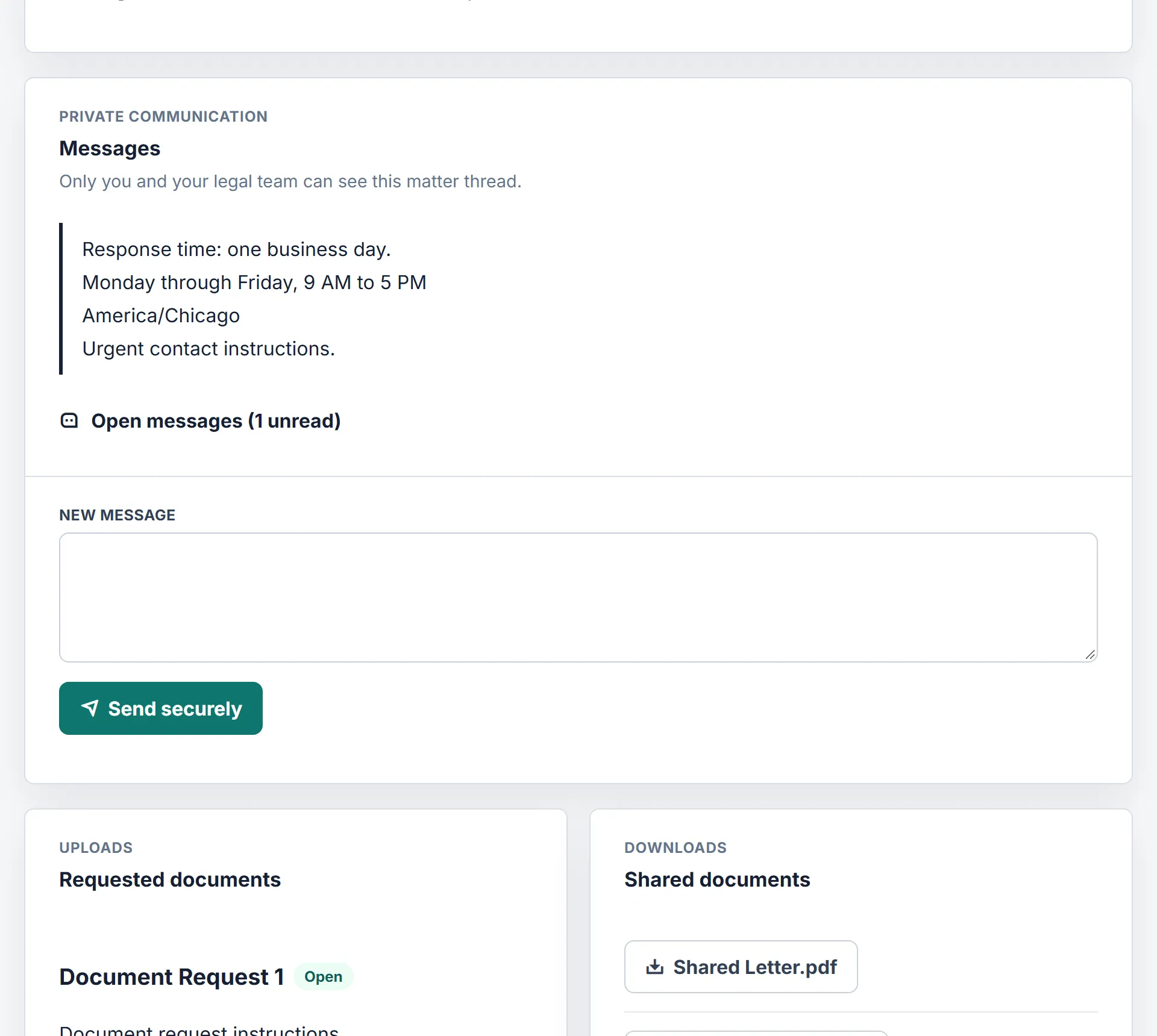
Check response times
The top of the thread shows when your team usually replies (for example within one business day), their office hours and timezone, and what to do if something is urgent.
Write your message
Type your message and send it. Keep each message to one topic, and mention dates and document names so your team can act quickly.
Email and text alerts from the portal never include what the message says. Sign in to read it. That keeps your case details private.
Read replies
New replies show as unread in your case and in Your next steps on the portal home.
Frequently asked questions
Something is urgent, like a court date tomorrow.
Follow the urgent-contact instructions at the top of your message thread, usually a phone number. Don't rely on a portal message for anything due today.
Last reviewed 2026-11-25