

Your law firm uses a secure client portal so you can check on your case, message your legal team, share documents and pay, all in one place. You only need your email address and the password your firm set up for you.
Look for the welcome email from your law firm. It has the link to your portal. Bookmark that link so you can find it again.
Open your firm's portal link
Open the link from your firm's email. You will see your firm's name and Sign in.
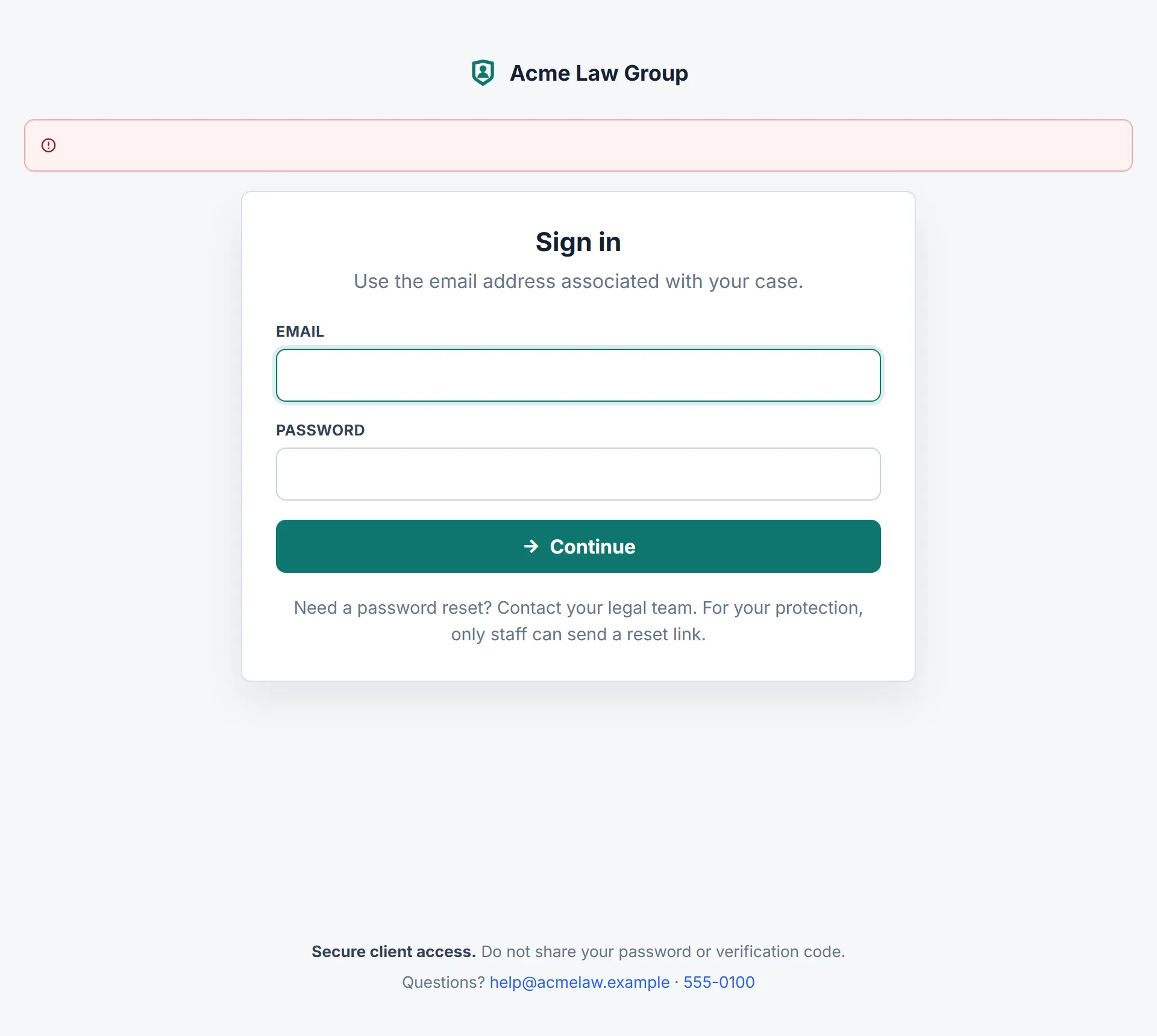
Enter your email and password
Under EMAIL, type the email address your firm has for you. That is usually the one their emails go to. Enter your PASSWORD and select Continue.
Enter your verification code
For your protection, the portal sends a six-digit code to your email (or to your phone, if you have added one). Type it in to finish signing in. Codes expire after a short time. If yours has expired, ask for a new one.
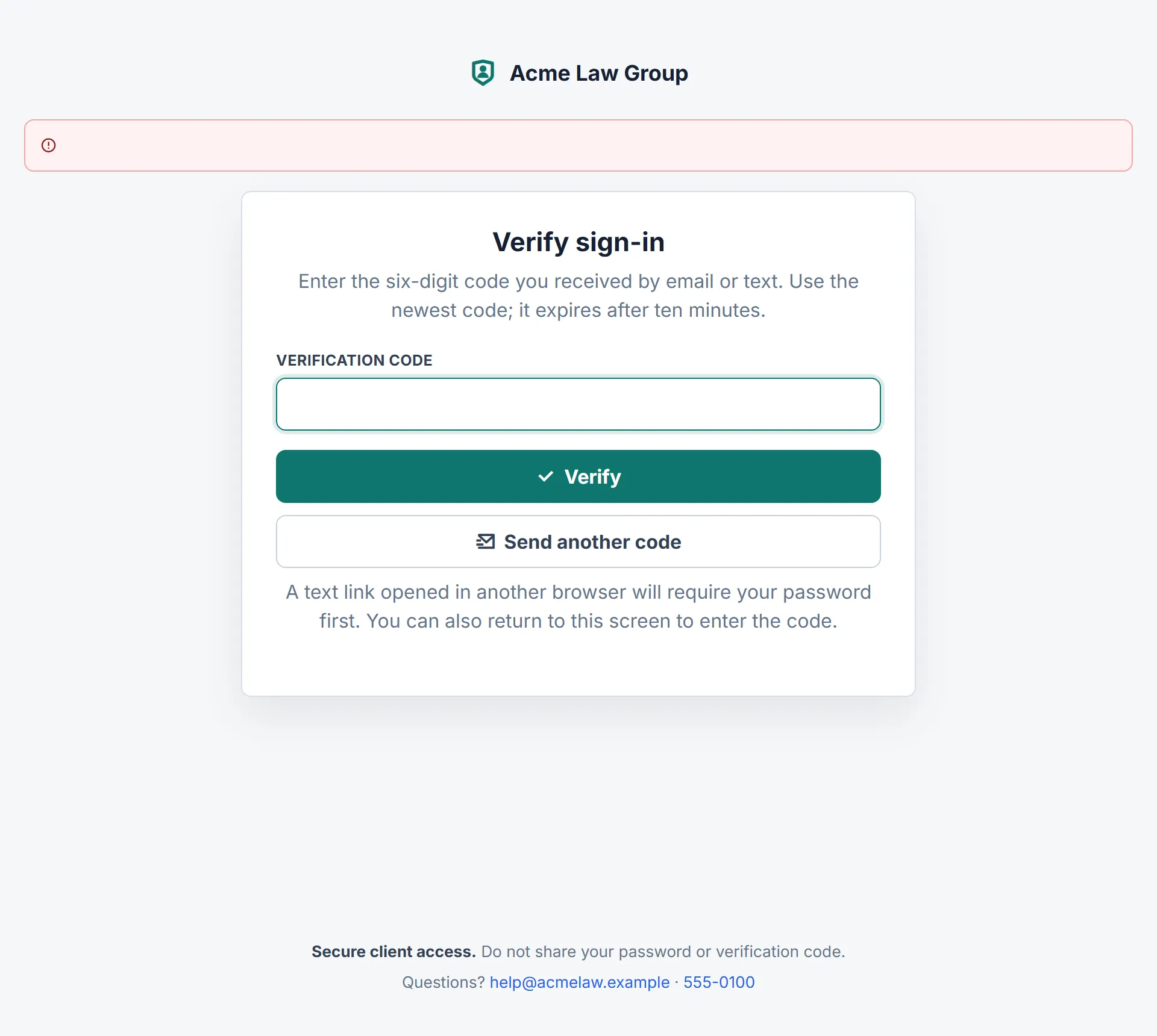
Can't find the code? Check your spam or junk folder, and make sure you are looking at the same email address you signed in with.
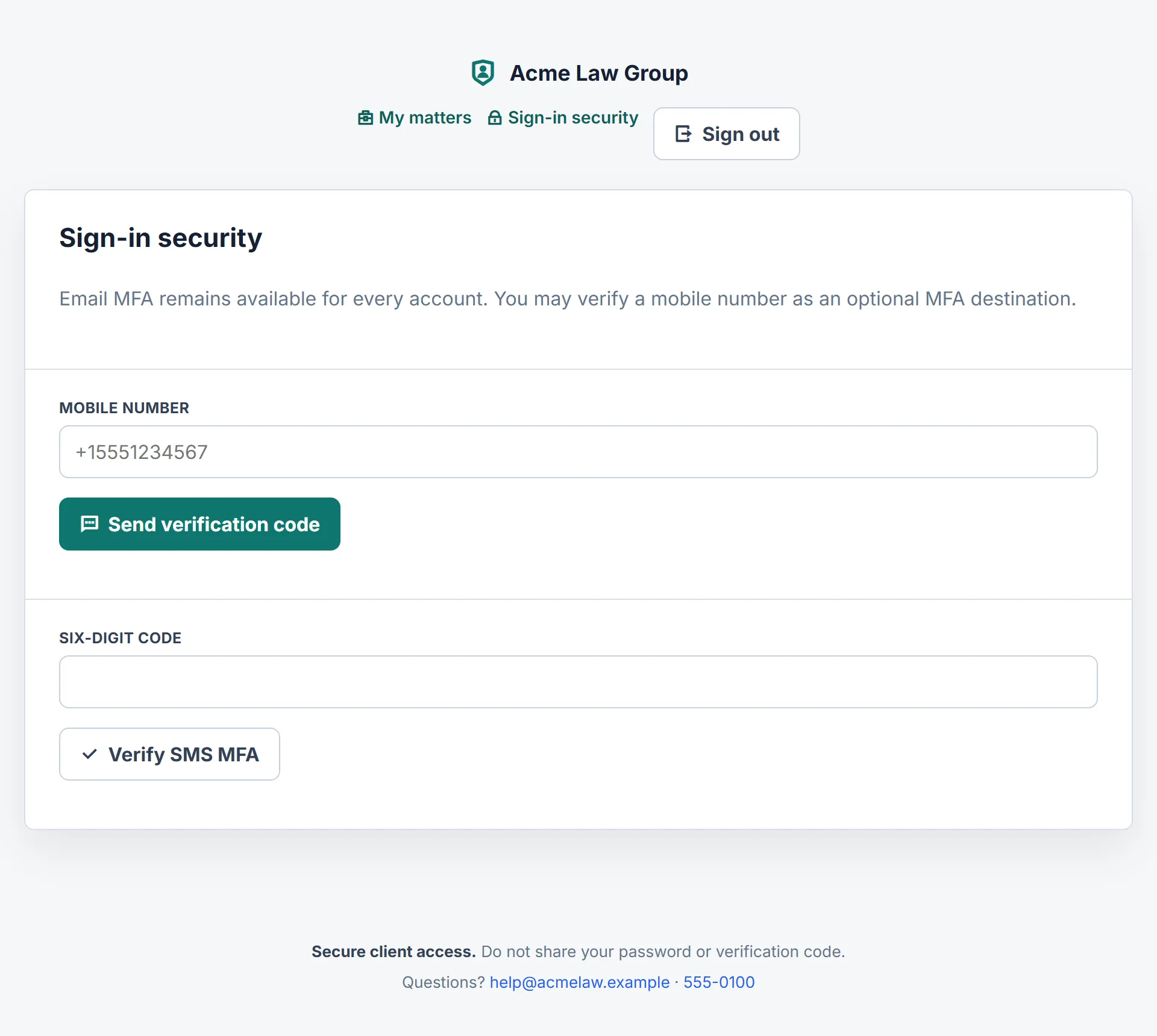
Add your mobile number (optional)
Once you are in, you can add a mobile phone number under Sign-in security. Then you can choose to get codes by text message. Enter your number, select Send verification code, and type the six-digit code you receive to confirm it.
Frequently asked questions
I forgot my password.
Contact your legal team and ask them to send you a reset link. Only your firm's staff can send one, which keeps anyone else from resetting your password.
The portal says my email isn't recognized.
Your firm may have a different email address on file for you. Call or email your legal team to check which address to use.
Is the portal safe to use?
Yes. Sign-in always needs a verification code, and every uploaded file is checked for security before your team opens it. Never share your password or verification code with anyone, including someone claiming to be from your firm.
Last reviewed 2026-11-25