

Open Activity Logs
Open Settings and choose Activity Logs under System.
Read an entry
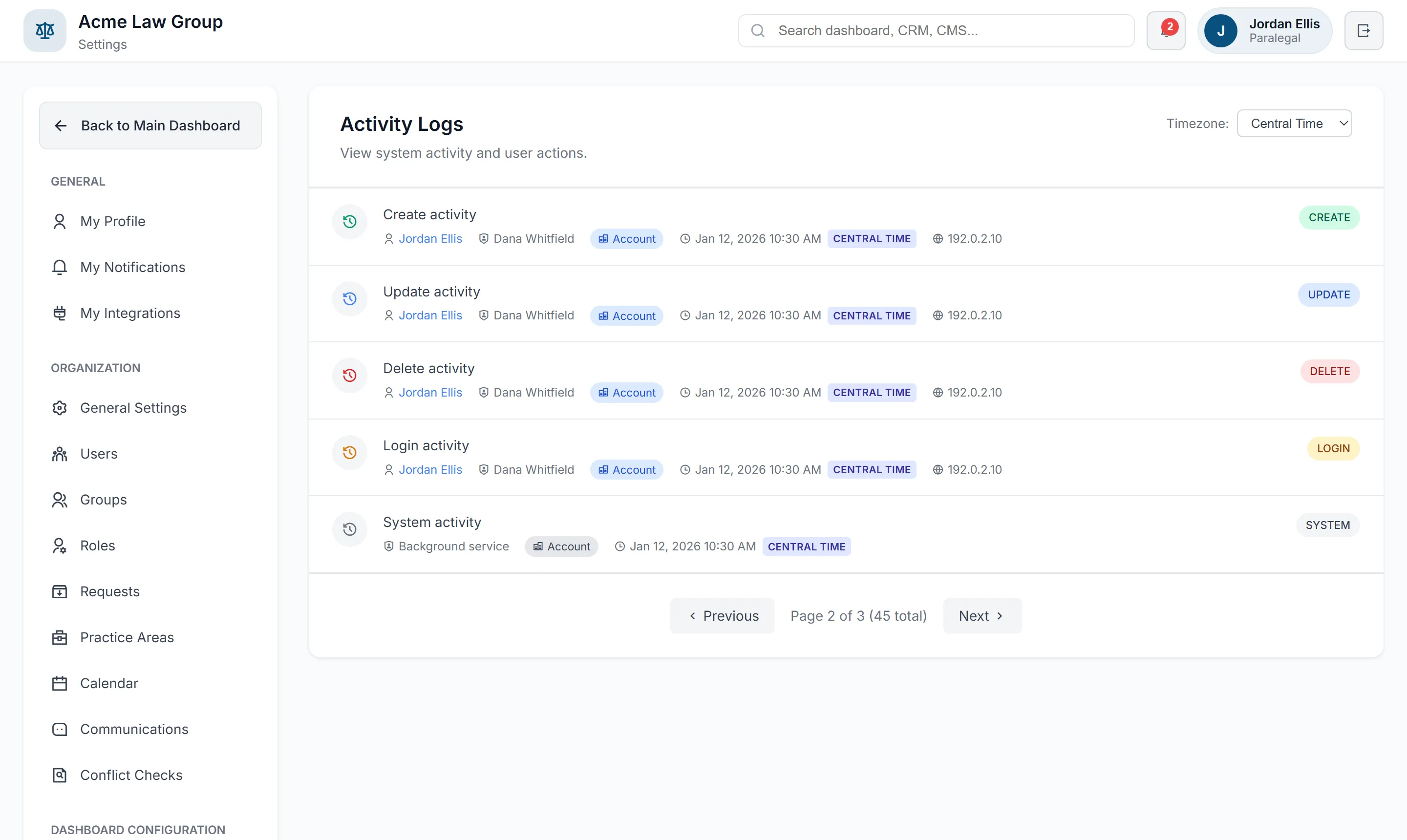
Each entry shows the action (Create, Update, Delete, Login, or a system action), who did it and their role, the record it affected (with a link), the date and time, and the IP address it came from. Background services show as system activity.
Change the timezone
Switch the Timezone (Central, Eastern or UTC) to match whoever is asking. Auditors often want UTC.
Page through history
Use Previous and Next. To see one person's actions, open their user record. There's a per-user activity log there too.
Activity logs are for oversight. They never include passwords, tokens or the contents of client documents.
Last reviewed 2026-11-25